Make Custom Animated GIFs for Slack
Create custom emoji reactions and animated GIFs for your Slack workspace. Upload a photo, animate your logo, or generate from a text prompt, then resize and compress for Slack.
Step 1
Upload or describe
Photo, logo, or type a text prompt
Step 2
Animate it
Pick a style — portrait, logo, reaction
Step 3
Add to Slack
Customize → Emoji → Add Custom Emoji
Platform guidance: For a Slack custom emoji, start with a square image and check the downloaded GIF against Slack's current upload guidance. Compress or resize the actual file before upload when needed.
Créé par des gens comme vous
De vraies animations image-en-GIF de notre communauté. Survolez (ou touchez) une carte pour voir la photo d'origine prendre vie.

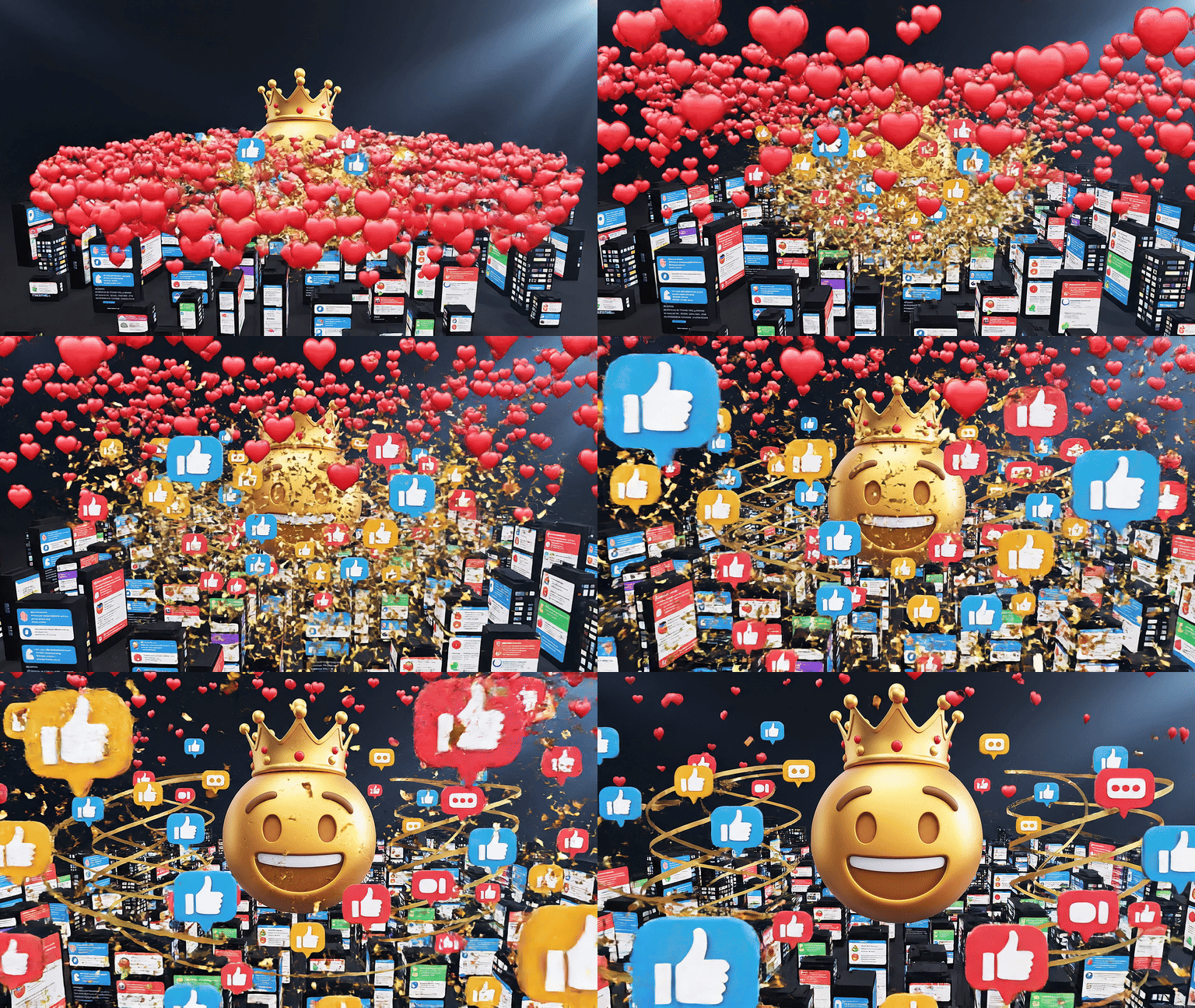
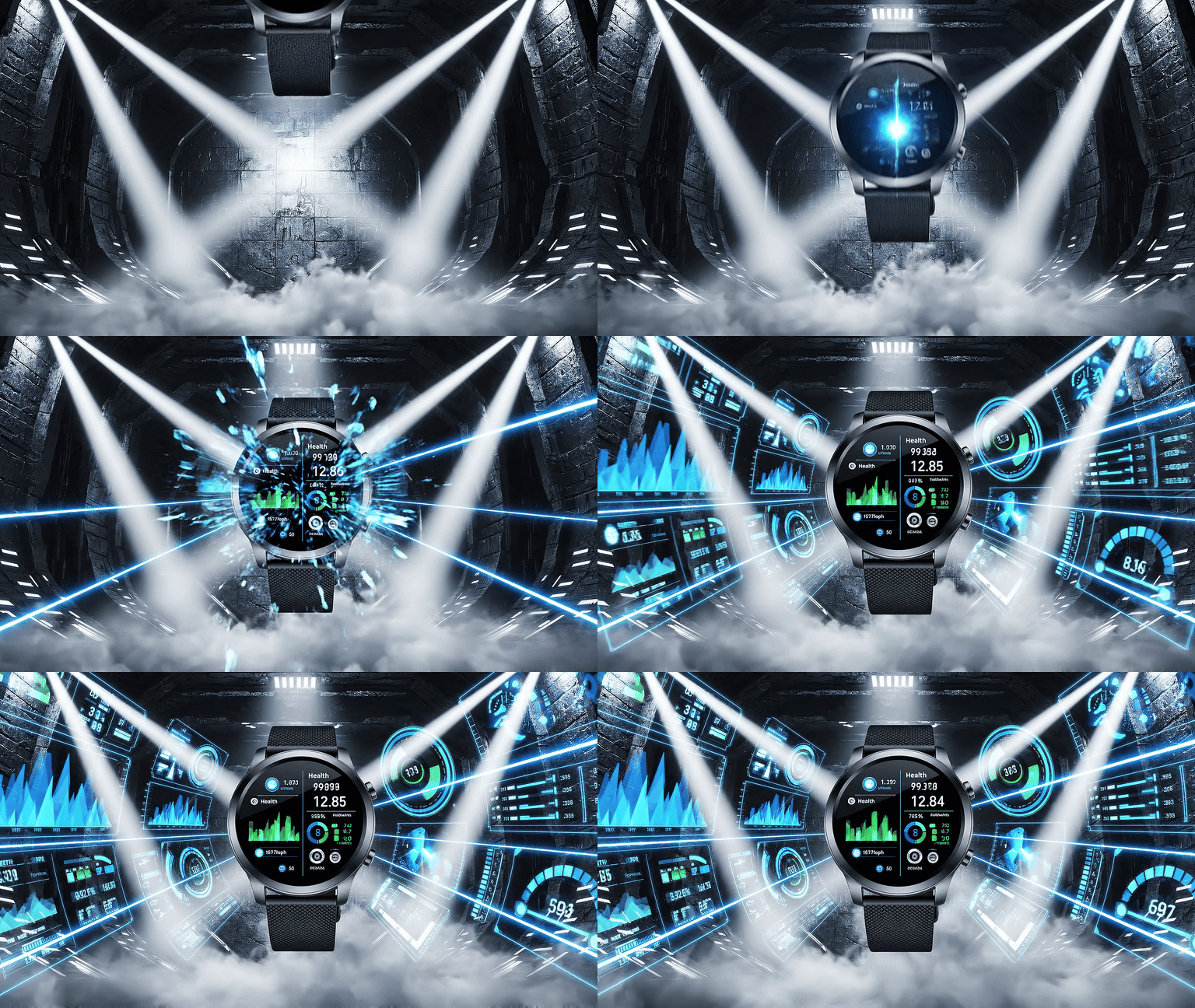


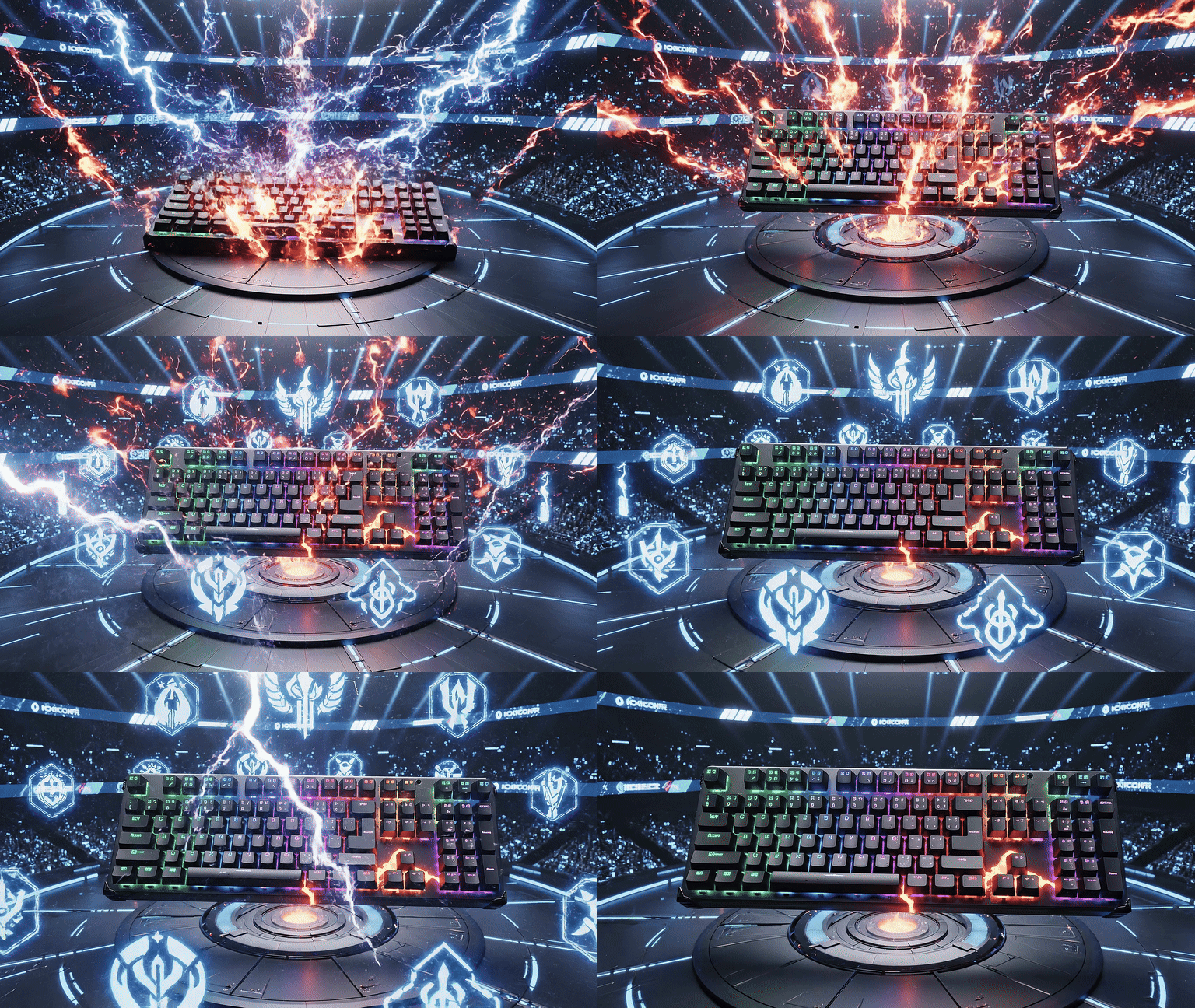
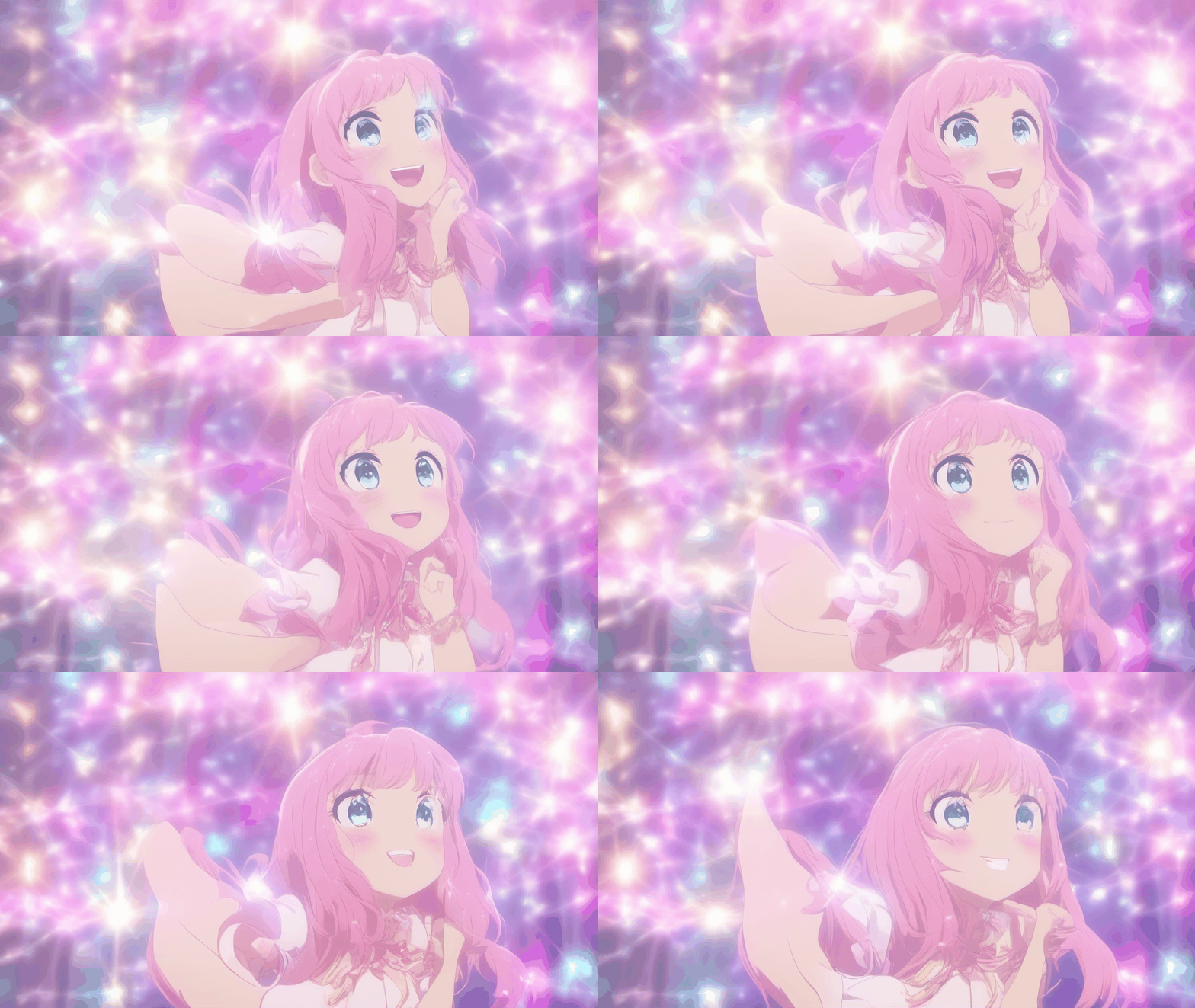
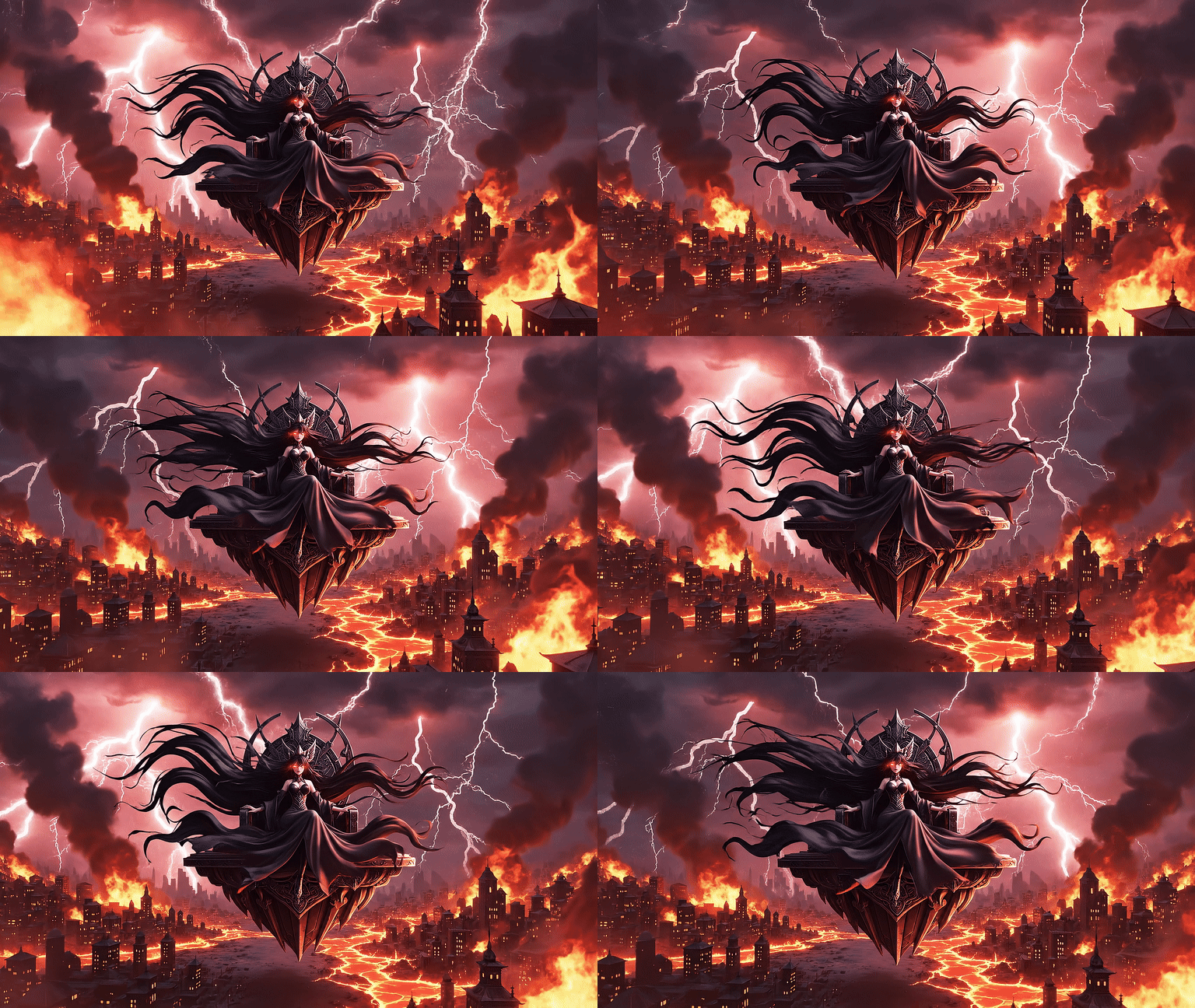
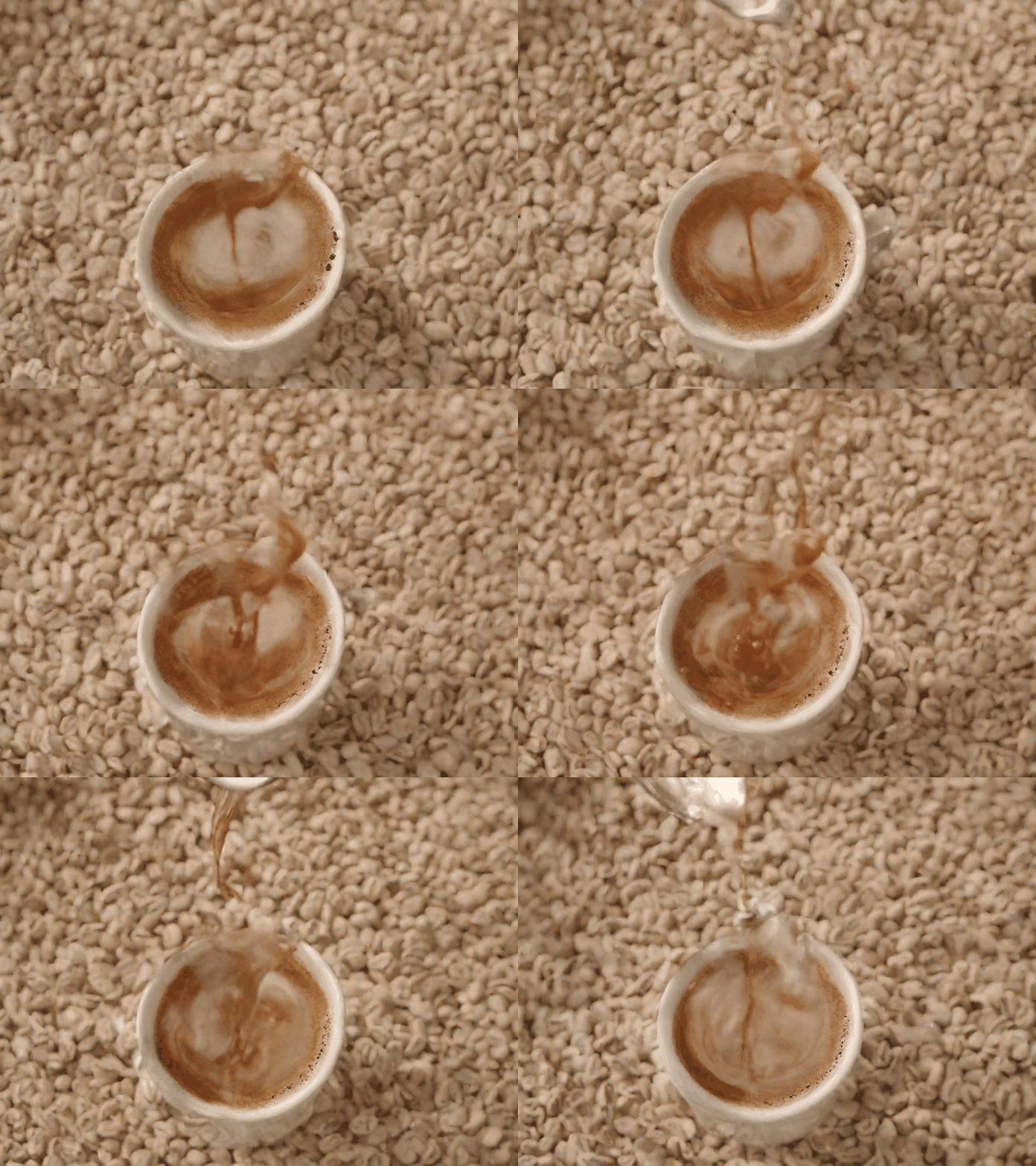

Compress and resize your GIF for Slack.
Slack emoji rewards tiny files. Keep the same GIF and tune it for the workspace limit before upload.
Slack GIF Requirements
| Type | Dimensions | Limit |
|---|---|---|
| Custom Emoji | 128×128 px rec. | ≤ 128 KB |
| Message Attachment | Any size | ≤ 1 GB |
| Workspace total | N/A | 5,000 emoji |
Emoji over 128 KB? Use GIF Compressor →
Best Animation Styles for Slack
Logo & brand emoji
Logo Pulse · Logo Glow
Clean and readable at 128×128
Portraits & headshots
Portrait Subtle · Eye Blink
Face stays recognisable at small size
Reaction & celebration
Head Bob · Reaction Burst · Face Glow
Expressive without being too busy
Ways Teams Use Custom Slack GIFs
Celebration Reactions
Animate a team photo or logo into a custom :celebration: emoji everyone can use when a deal closes.
Reaction Emojis
Turn a coworker's expression into a custom reaction emoji — the best way to react to Monday morning updates.
Kudos & Recognition
Create a custom :winner: or :mvp: animated emoji to give public props in #general or #kudos channels.
Announcement Banners
Generate an animated product launch or milestone GIF to share in announcement channels for maximum attention.
Status & Vibes
Seasonal or themed GIFs to share your current mood or work status — Friday energy, deep focus mode, coffee needed.
Onboarding & Culture
Welcome new hires with a custom animated team GIF. Makes a better first impression than a plain text message.
Why Choose Moxion for Slack GIFs?
vs GIPHY for Slack, Canva, and Ezgif
| Feature | Moxion✦ | GIPHY Slack | Canva | Ezgif |
|---|---|---|---|---|
| AI animation from your own photo | ✓ | – | – | – |
| Emoji sizing guide (128×128 / 128 KB) | ✓ | – | – | ✓ |
| Portrait & team photo animation | ✓ | – | – | – |
| Text-to-GIF from text prompt | ✓ | – | – | – |
| Searchable GIF library | – | ✓ | – | – |
| Free to start | ✓ | ✓ | ✓ | ✓ |
Ready to Upload? Here's How
Download your GIF. If it's over 128 KB, compress it first using the GIF Compressor.
In Slack, click your workspace name (top-left) → Settings & Administration → Customize [Workspace Name].
Go to the Emoji tab → Add Custom Emoji → Upload File.
Name your emoji (e.g., :celebration:) → Save Changes. It's now available to everyone in your workspace.
Frequently Asked Questions
What size should a GIF be for Slack custom emojis?›
Slack requires custom emoji to be under 128 KB and recommends 128×128 pixels. After generating your GIF, you can use the GIF Compressor tool to reduce file size if needed before uploading to Slack.
How do I add a custom animated GIF emoji to Slack?›
In Slack, go to your workspace name → Settings & Administration → Customize [Workspace Name] → Emoji tab → Add Custom Emoji. Upload your GIF file, give it a name (e.g., :celebration:), and it will appear in your workspace emoji picker.
Can I make a GIF of a coworker or team photo for Slack?›
Yes. Upload a portrait or team photo using Image-to-GIF, select a Portrait animation style, and download the GIF. Check the actual dimensions and file size against Slack's current custom-emoji guidance before uploading it.
What animation styles work best for Slack emojis?›
Subtle animations work best in small emoji sizes — Portrait (gentle expression), Logo (soft pulse or glow), and Reaction styles all look great at 128×128. Avoid overly complex animations that lose detail when scaled down.
Is it free to make GIFs for Slack?›
Oui. L'offre gratuite permet de créer 1 GIF animé par jour. Les nouveaux comptes ne reçoivent aucun crédit offert. Une Quick Preview partagée est gratuite chaque jour. Pour davantage de générations et une meilleure résolution, utilisez des Credits Standard ou Pro.
Can I use a text prompt instead of uploading an image?›
Yes. Switch to the Text-to-GIF tab and describe what you want — "celebration confetti explosion", "thumbs up with sparkles", "rocket launching upward". The AI generates a looping GIF from your description.
How many custom emojis can a Slack workspace have?›
Slack allows up to 5,000 custom emojis per workspace (including animated GIFs). There is no separate limit for animated vs static emojis — all custom emoji count toward the same total.
Can I use this GIF in Slack messages directly (not just as emoji)?›
Yes — you can share any GIF file as a message attachment in Slack. Slack will preview it inline and autoplay it in the chat. The emoji upload workflow creates a named :reaction: shortcode the whole workspace can use.