Créer un GIF à partir d’une image avec l’IA
Importez une photo et décrivez le mouvement pour créer un GIF avec l’IA. Pour assembler plusieurs images fixes sans mouvement généré par IA, utilisez Images to GIF.
- 1 Quick Preview par jour, partagé avec Video · avec filigrane
- La génération prend généralement environ 1 à 5 minutes. Le délai dépend du modèle, de la file, de la durée, de la résolution et de la disponibilité du fournisseur.
- Le résultat dépend de l’entrée, du mouvement et du modèle. Vérifiez le GIF terminé et sa taille réelle avant de le partager.
 Original
 En mouvement
Créé par des gens comme vous
De vraies animations image-en-GIF de notre communauté. Survolez (ou touchez) une carte pour voir la photo d'origine prendre vie.
Hover to see magic ✨
Hover to see magic ✨
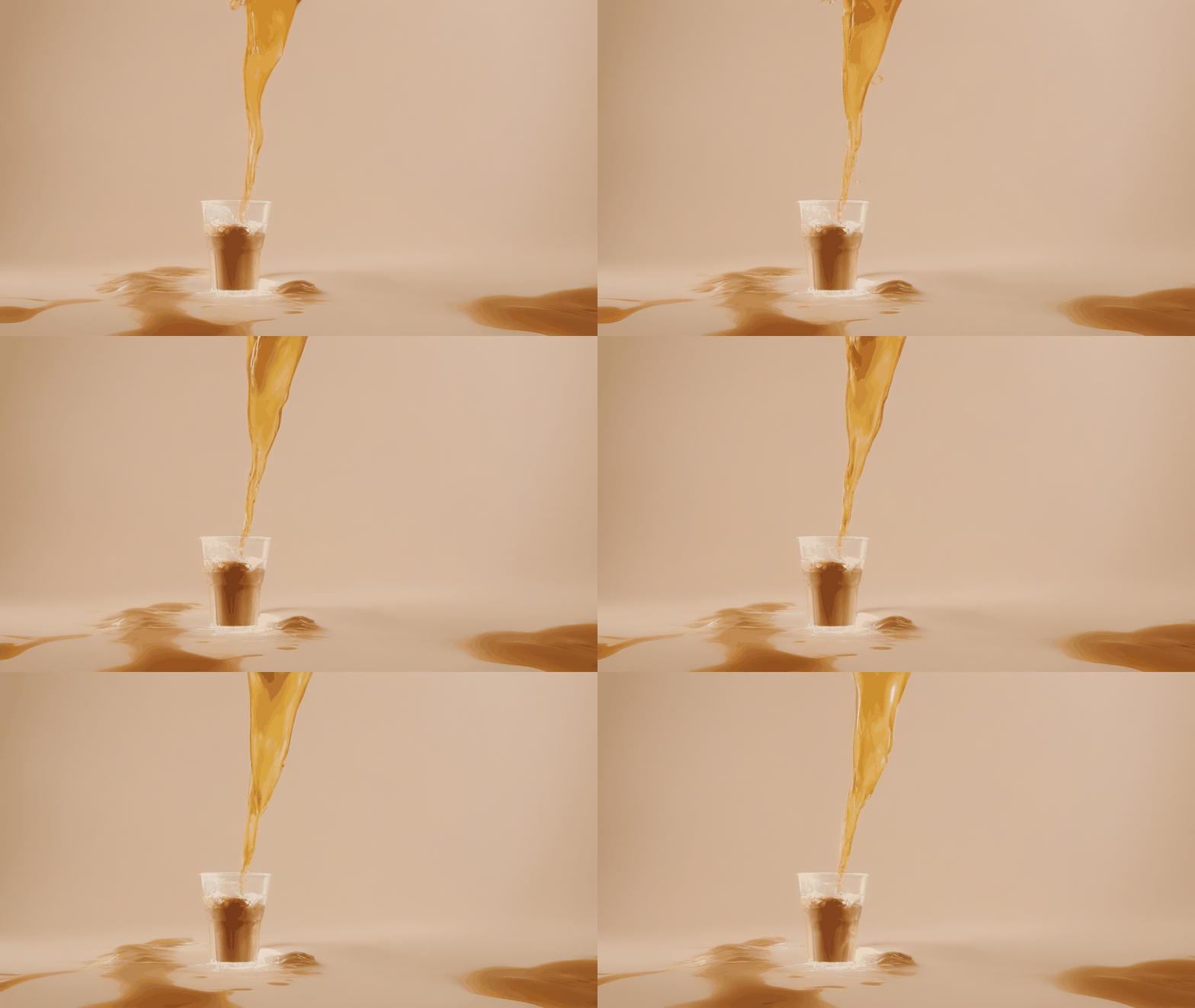
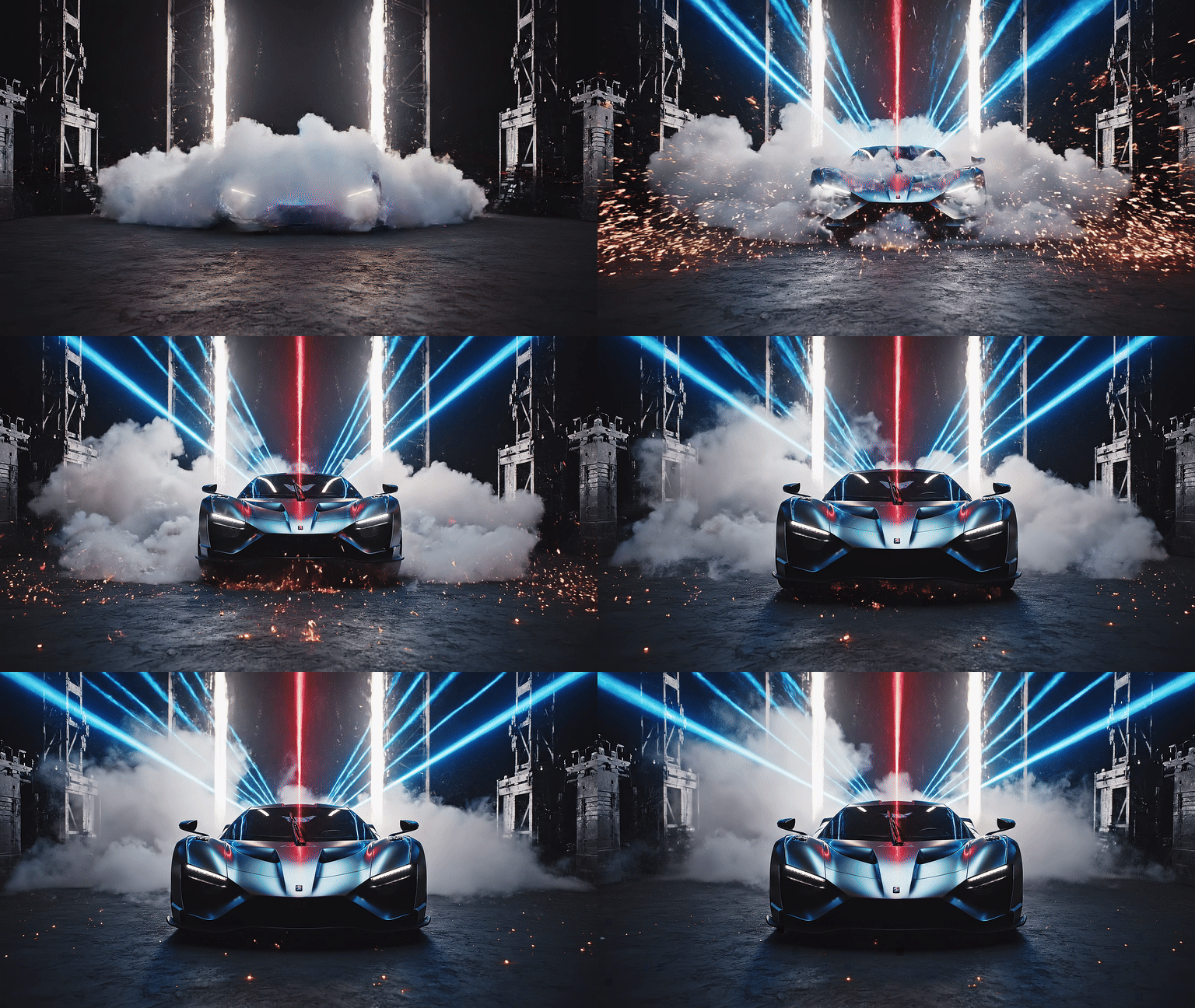
Hover to see magic ✨
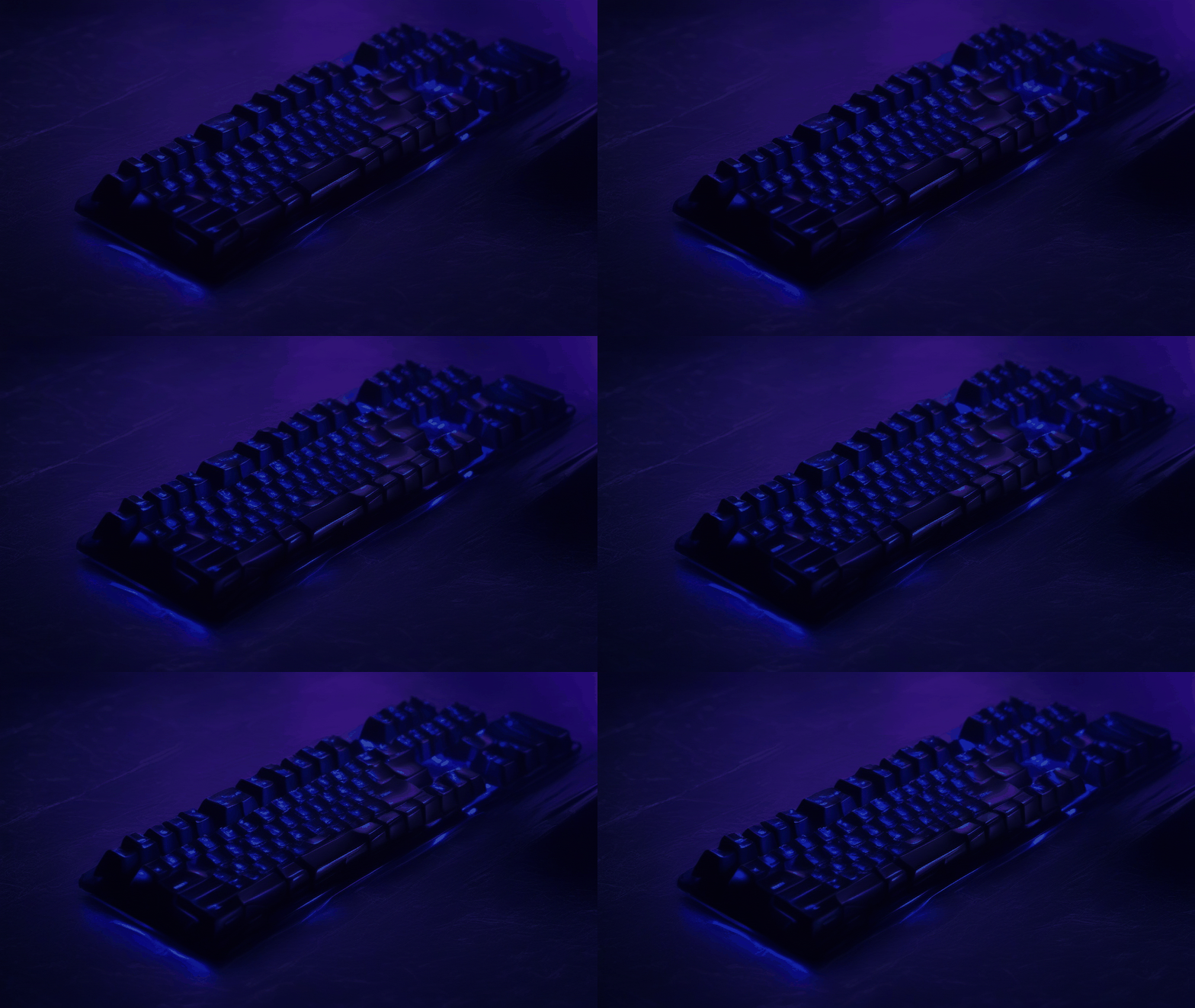
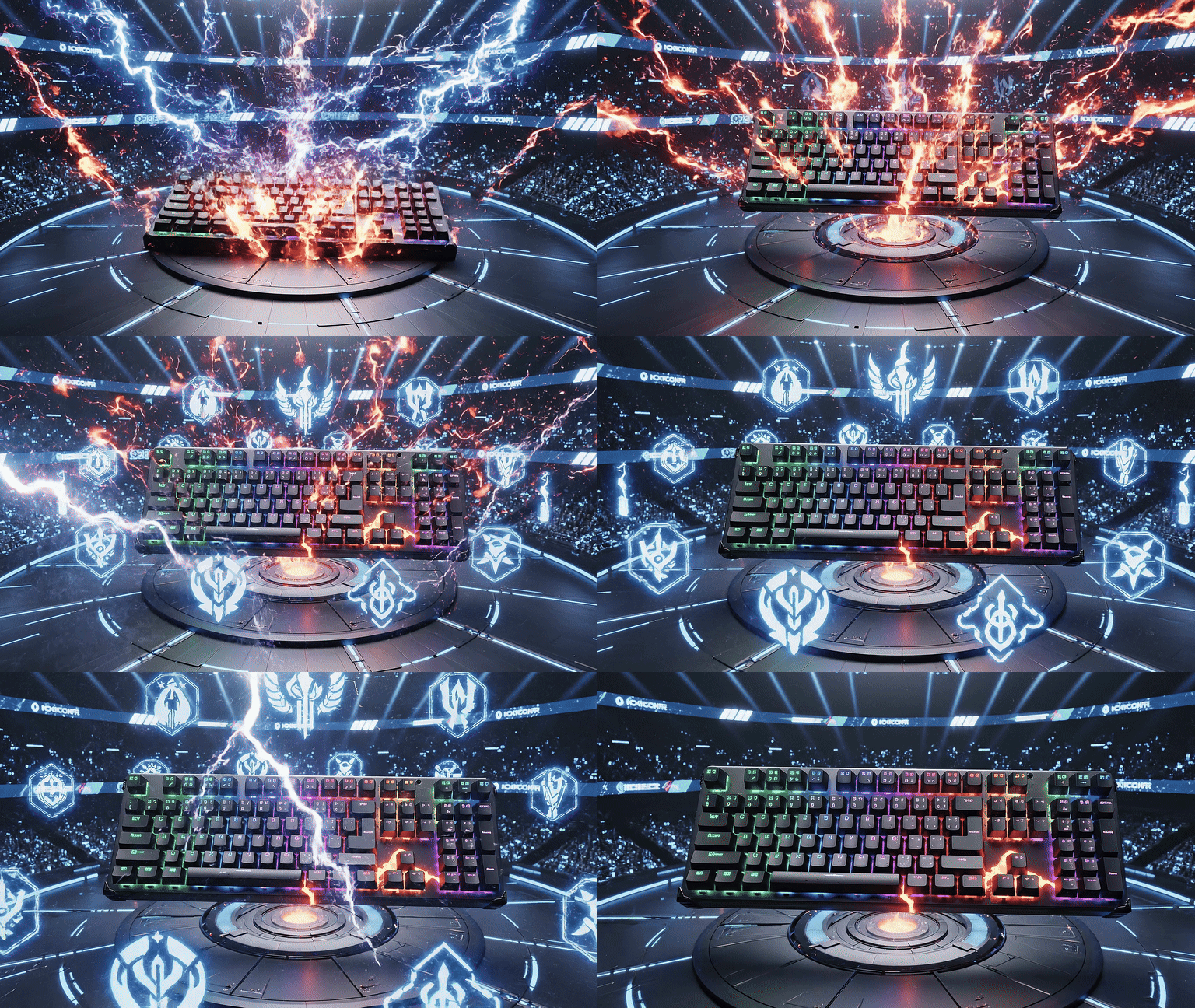
Hover to see magic ✨
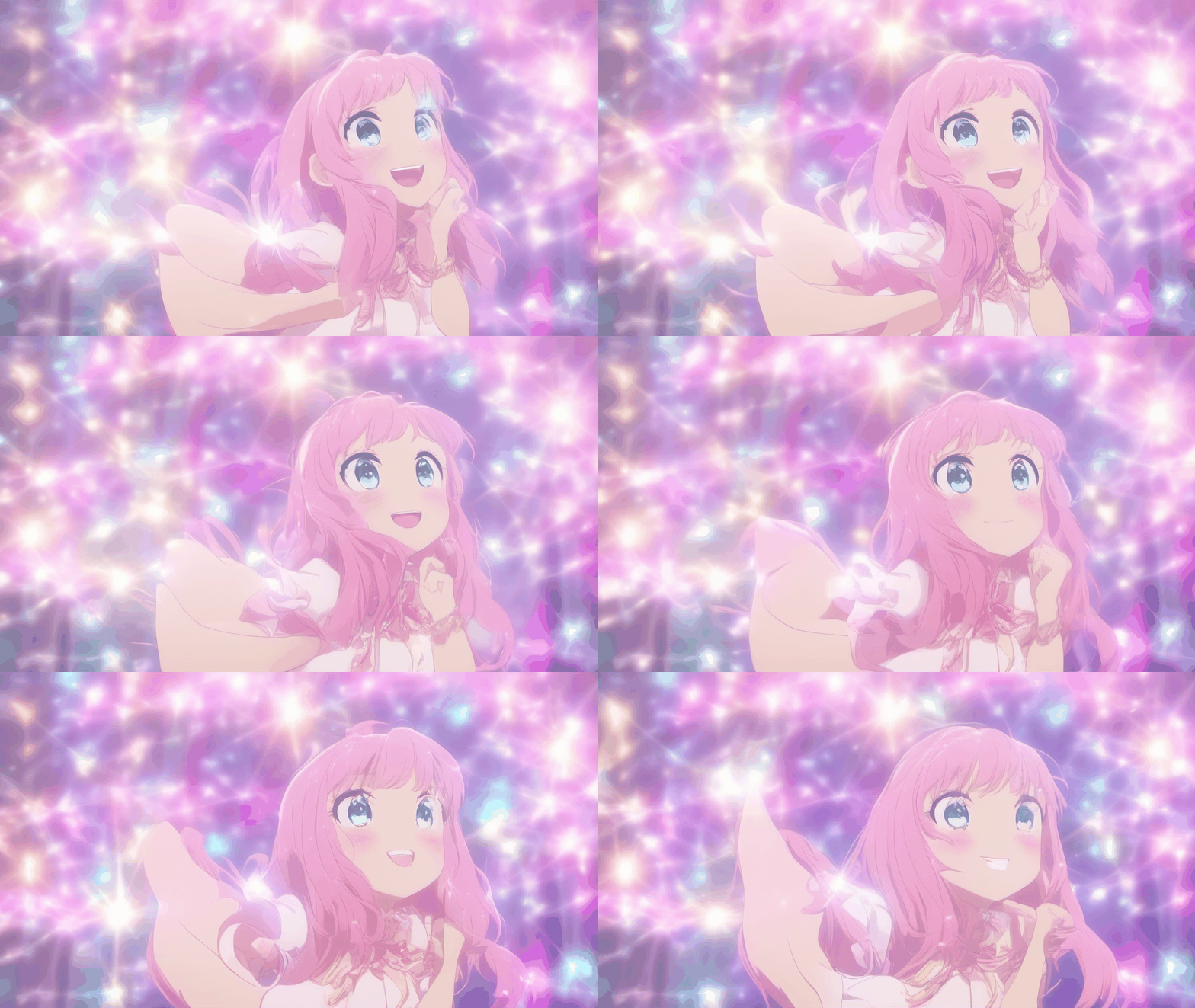
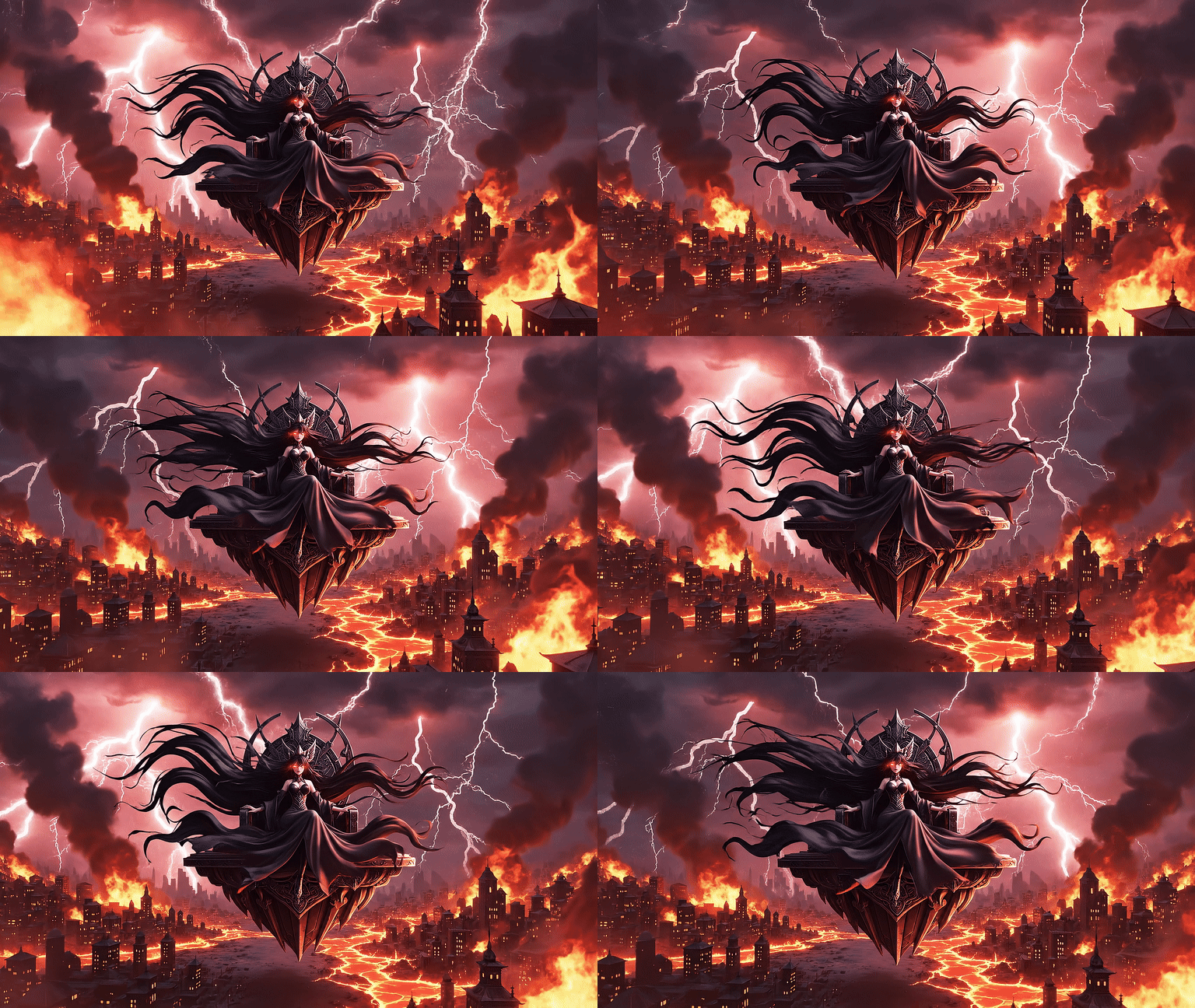
Hover to see magic ✨
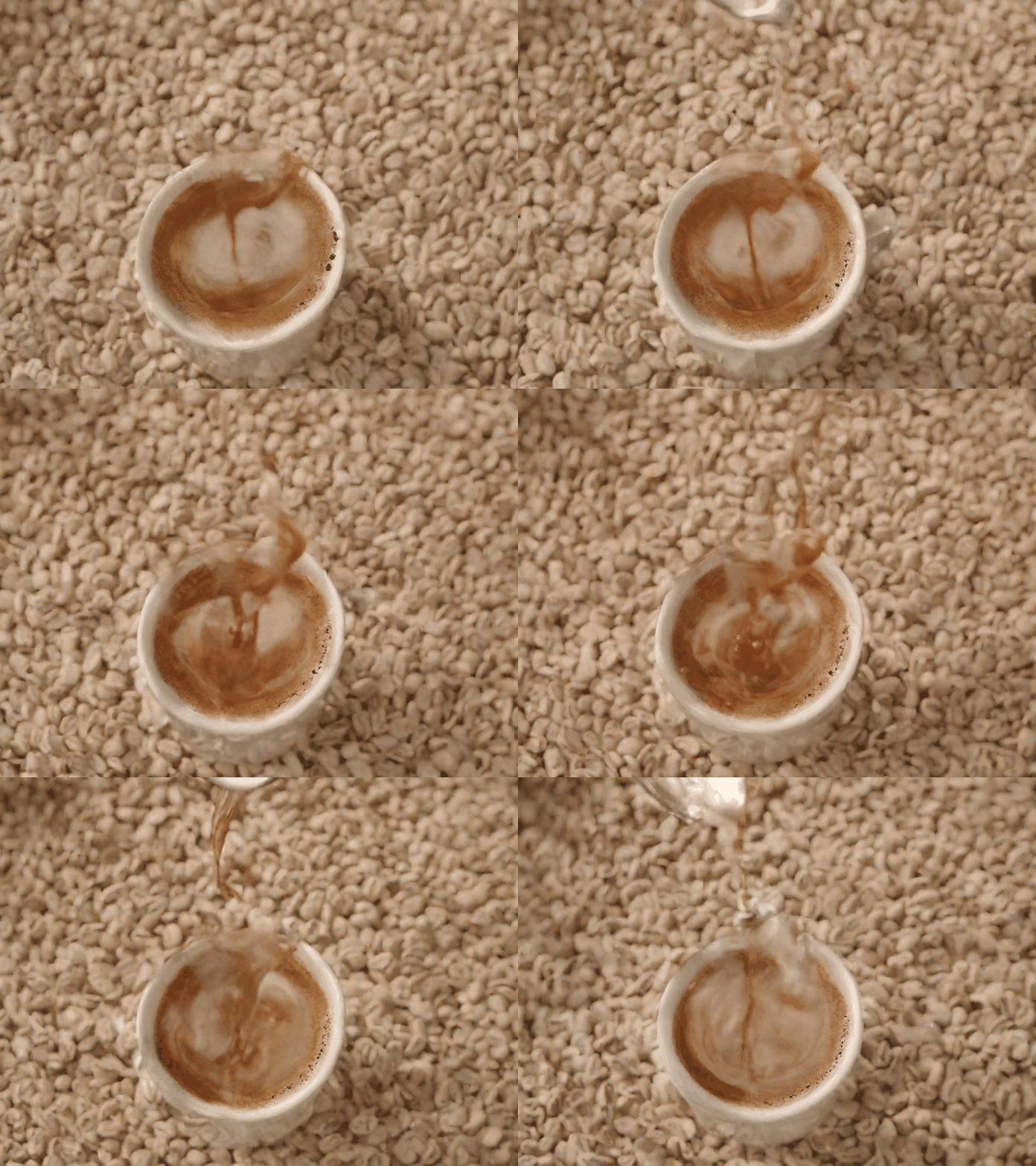
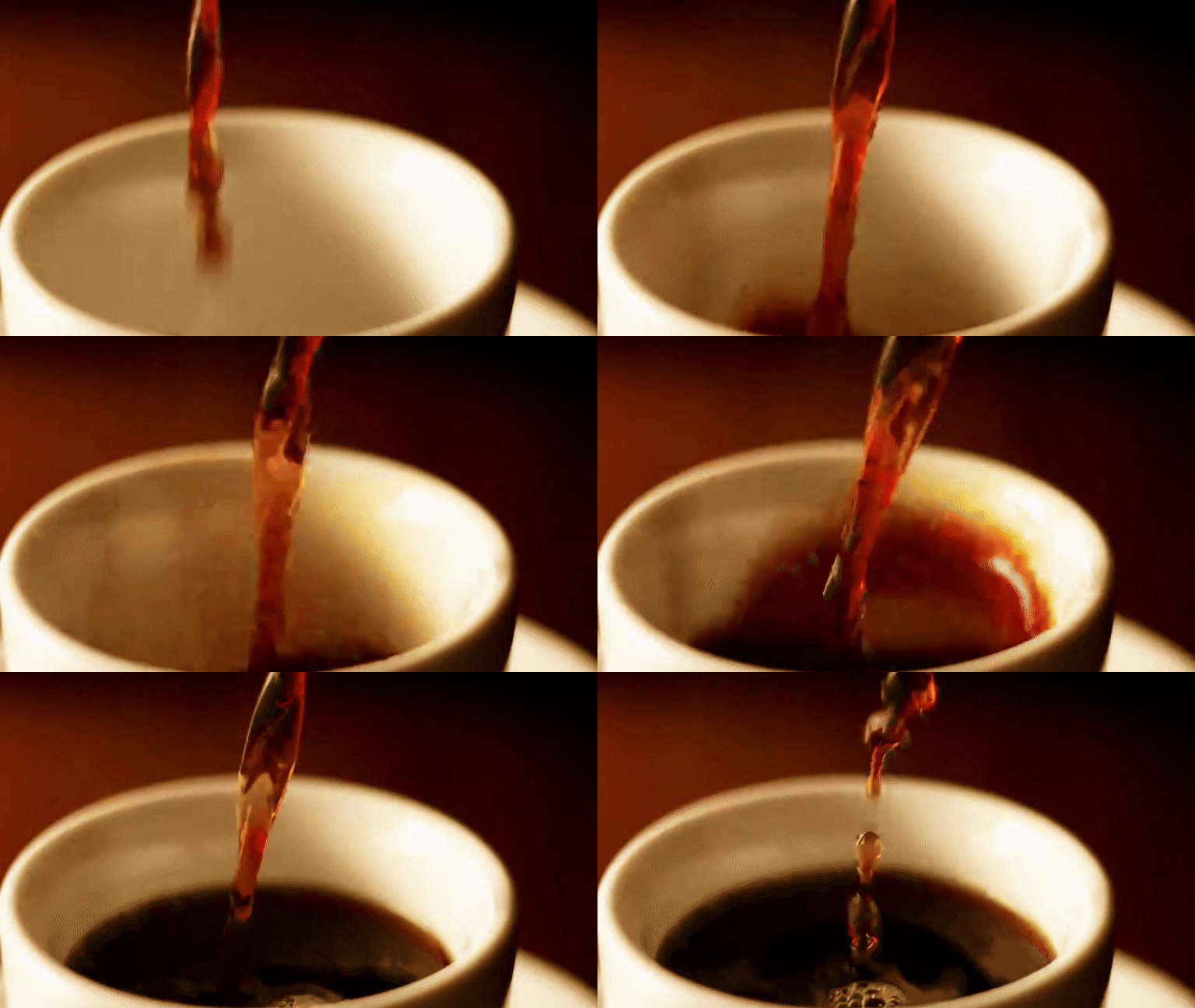
Hover to see magic ✨
Vous avez plusieurs images ?
Assemblez-les dans l’ordre, sans génération par AI.
Outils GIF IA associés
Frequently Asked Questions
Importez une image JPG, PNG ou WebP avec un sujet bien visible.
La génération prend généralement environ 1 à 5 minutes. Le délai dépend du modèle, de la file, de la durée, de la résolution et de la disponibilité du fournisseur.
Après connexion, Quick Preview crée un court aperçu avec filigrane. GIF et Video partagent 1 génération IA gratuite par jour. Les générations Image-to-GIF payantes utilisent Pro Motion et des Credits.
Les générations gratuites ou financées par des Credits offerts portent le filigrane Moxion. Une tâche entièrement financée par des Credits achetés, ou réalisée avec un abonnement actif, peut produire un GIF sans filigrane. Vérifiez le statut affiché avant de générer ; l’IA utilise aussi des Credits avec un abonnement.
Image to GIF anime une seule image avec l’IA. Images to GIF assemble plusieurs images fixes dans l’ordre, sans générer de nouveau mouvement IA.