Create Custom Animated GIFs for Discord
Make animated server icons, custom emojis, reaction GIFs, and avatar animations for Discord. Upload any image, pick a style, and get your GIF in seconds — free.
로고, 아바타, 밈 또는 사진으로 Discord용 애니메이션 이모지, 서버 아이콘, 스티커와 프로필 GIF를 만드세요. Moxion의 Discord GIF 메이커는 프레임별 편집 없이 움직임을 더합니다. 이미지를 업로드하고 원하는 동작을 설명하면 다운로드 가능한 반복 애니메이션을 생성할 수 있습니다. 파일을 만드는 데 Discord Nitro는 필요하지 않지만, 애니메이션 아바타나 서버 아이콘 같은 특정 용도에는 Nitro 또는 서버 부스트가 필요할 수 있습니다. 이모지, 스티커, 아이콘은 크기와 파일 용량 제한이 각각 다르므로 제작 화면에서 규격 안내와 압축, 크기 조정 도구를 함께 확인할 수 있습니다. 로고에는 은은한 펄스나 반짝임을, 리액션에는 표현력 있는 동작을, 아바타에는 자연스럽고 절제된 얼굴 움직임을 사용하세요. 먼저 애니메이션을 만든 뒤 실제 Discord 용도에 맞게 완성 GIF를 조정하면 됩니다.
Step 1
Upload your image
Logo, avatar, meme, or any photo
Step 2
Choose animation
Pulse, Shimmer, Laugh, Glow...
Step 3
Add to Discord
Emoji, icon, sticker, or avatar
Platform guidance: Choose the Discord destination first, then check the downloaded GIF against that destination's current dimensions and file-size limit. Compress or resize when needed.
당신 같은 사람들이 만들었어요
커뮤니티가 만든 진짜 이미지→GIF 애니메이션. 카드에 마우스를 올리거나 탭하면 원본 사진이 살아 움직입니다.
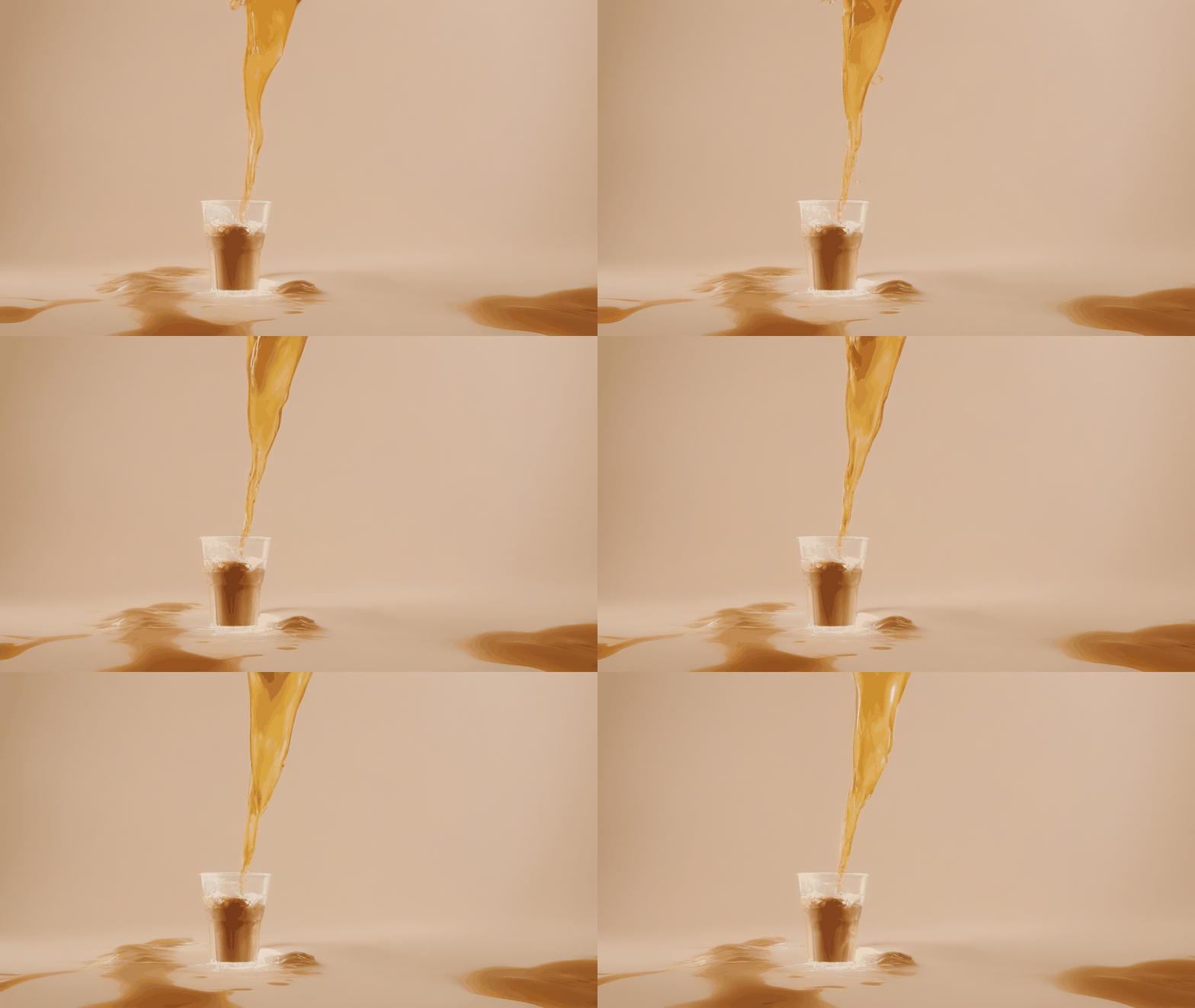
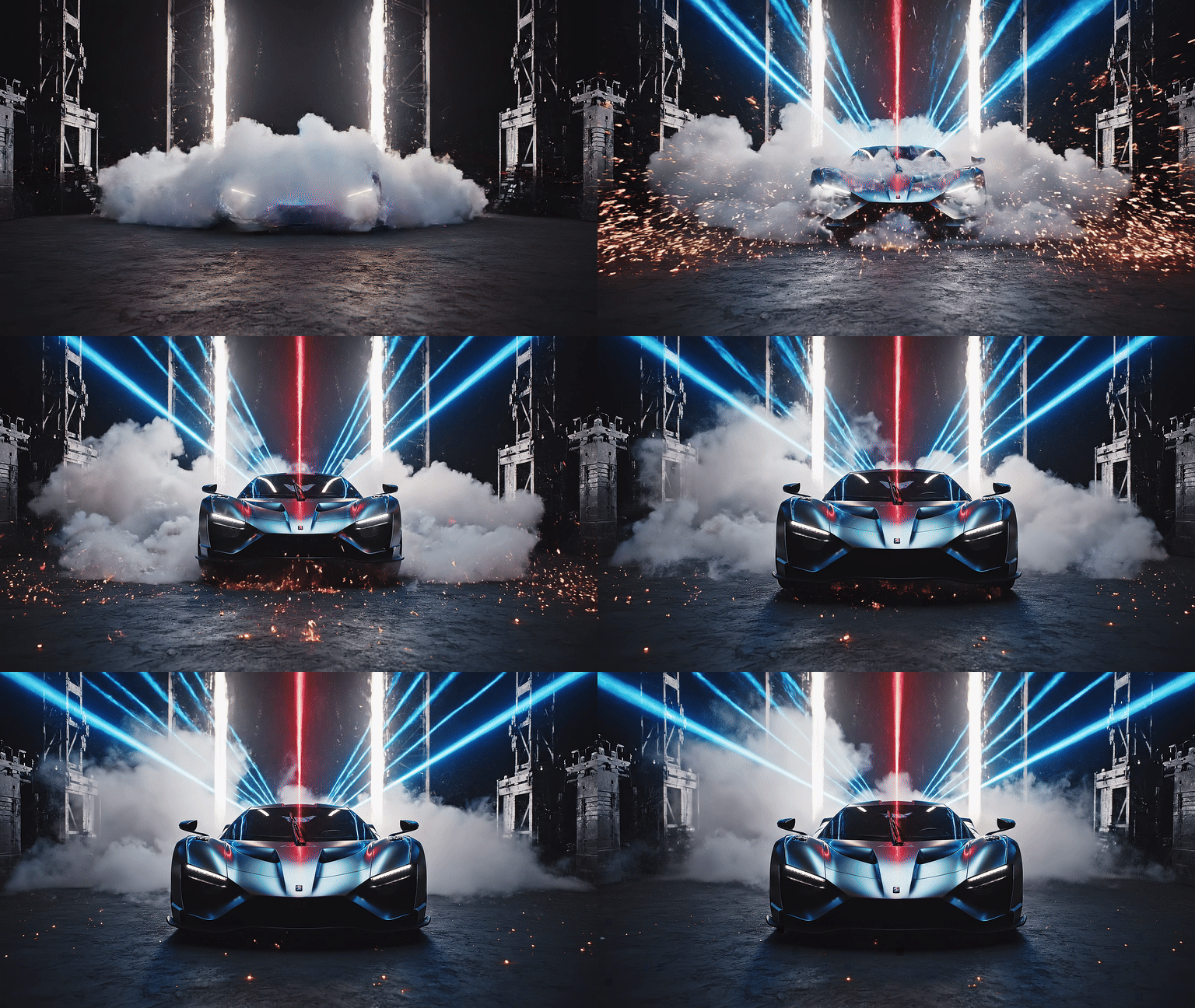
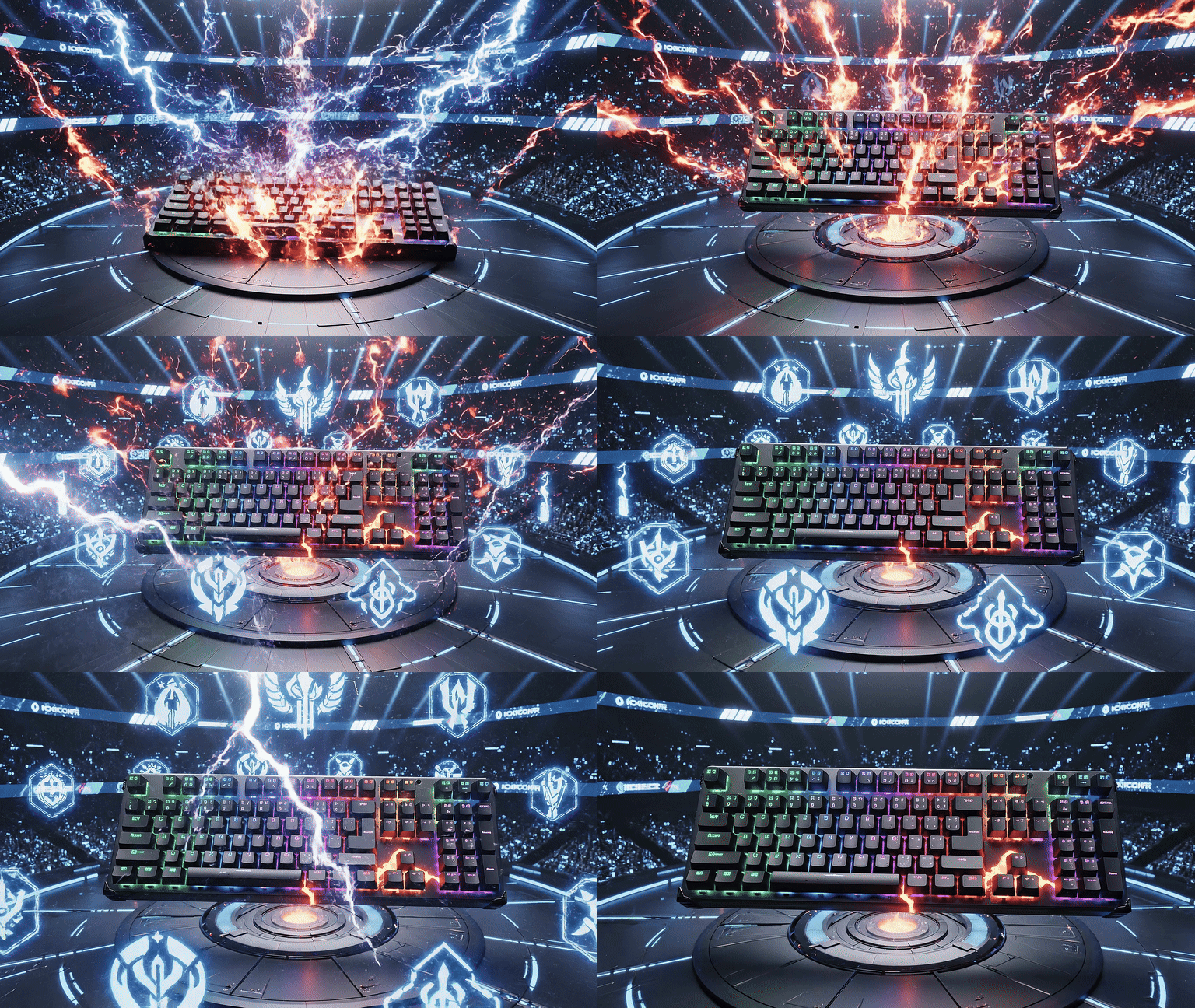
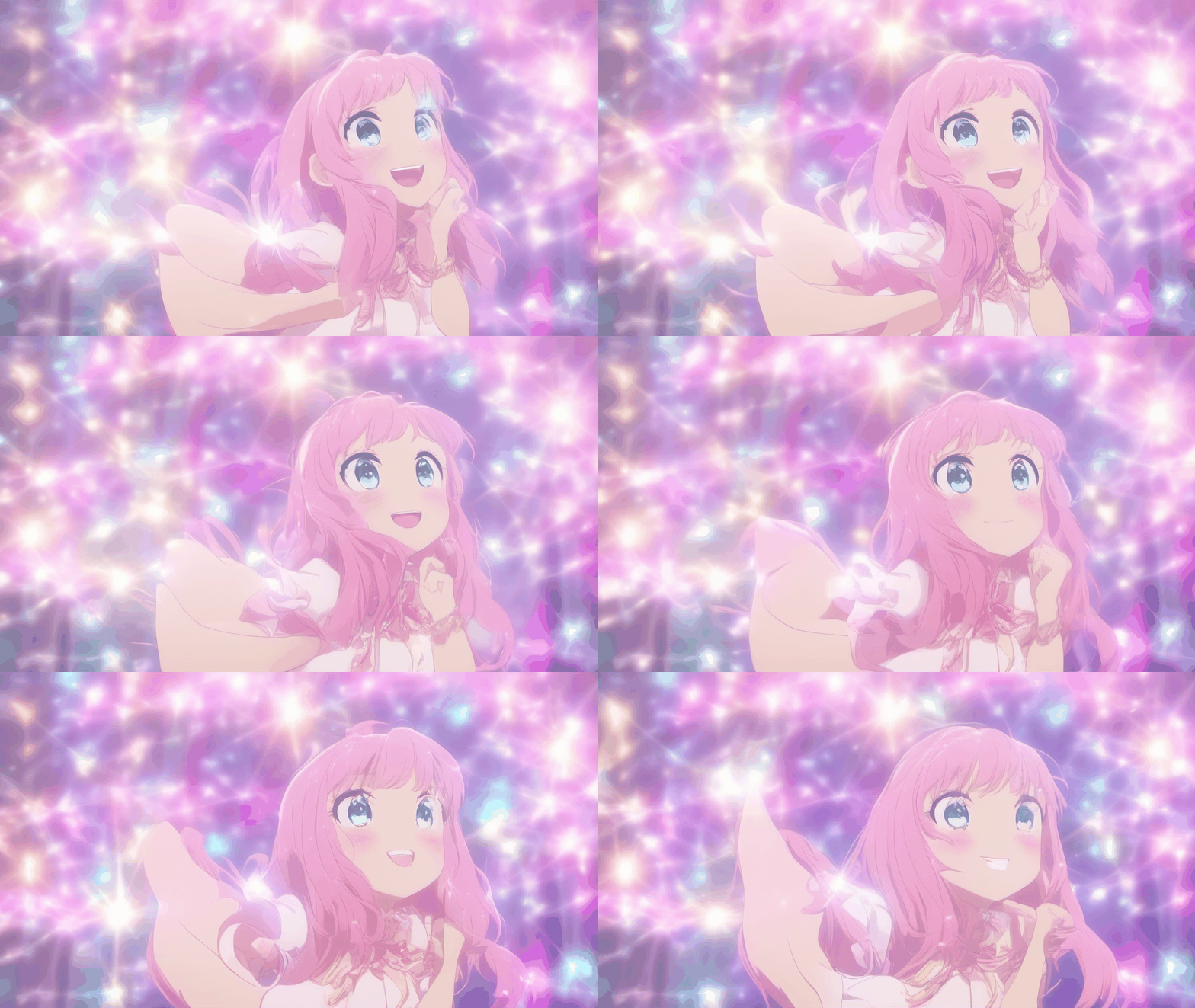
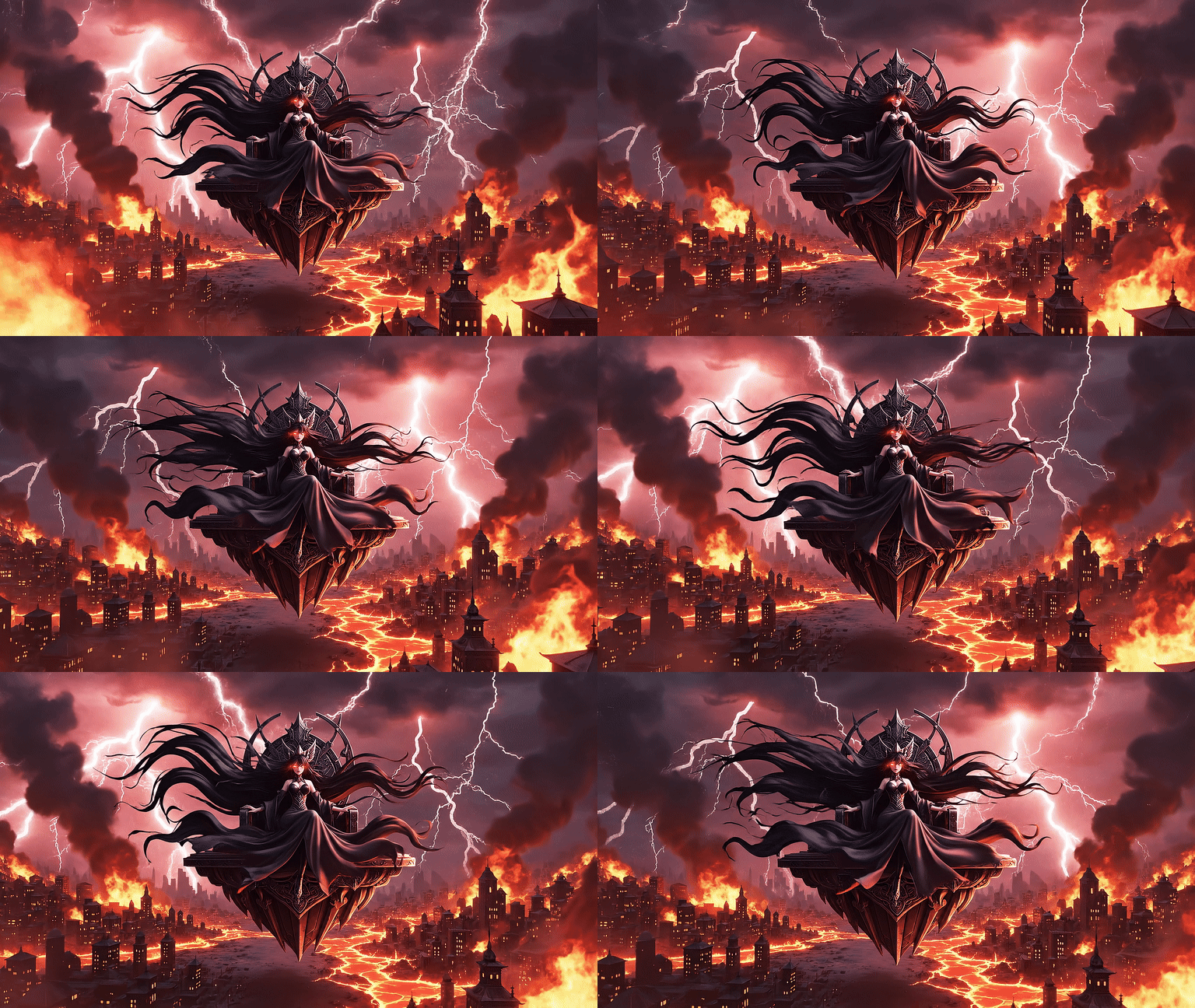
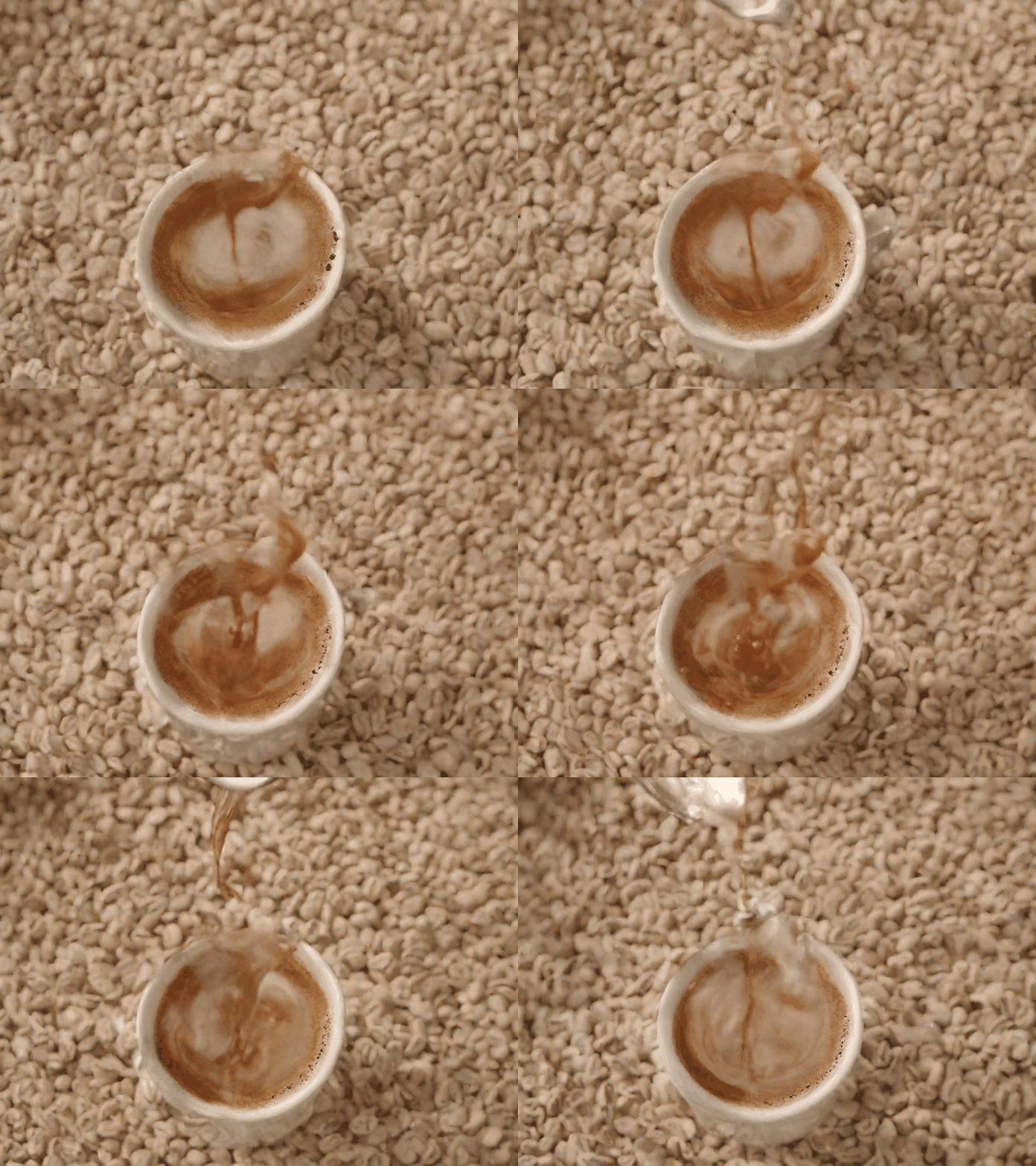

Compress and resize your GIF for Discord.
Keep the same GIF idea, then resize or compress the downloaded file and verify it against the current Discord destination requirements before upload.
Discord GIF Size Requirements
| Type | Size | Limit |
|---|---|---|
| Custom Emoji | 128×128 px | ≤ 256 KB |
| Server Sticker | 320×320 px | ≤ 500 KB |
| Animated Avatar | Any square | ≤ 10 MB |
| Server Icon | 512×512 px rec. | ≤ 8 MB |
Emoji Slots by Server Boost Level
| Boost Level | Emoji Slots |
|---|---|
| No boost | 50 |
| Level 1 | 100 |
| Level 2 | 150 |
| Level 3 | 250 |
Best Animation Styles for Discord
Server icons
Logo Pulse · Logo Shimmer
Loops cleanly at small sizes
Reaction emotes
Head Bob · Eye Blink · Burst Laugh
Readable at 128×128
Profile avatars
Head Turn · Face Glow
Portrait-optimised motion
Channel stickers
Reaction + Zoom In
More canvas = more expressiveness
What You Can Make for Discord
Custom Server Icon
Animate your server logo with a pulse or shimmer effect. Requires Level 1 boost for animated icons.
Custom Reaction Emotes
Turn any image into a Burst Laugh or Shock Drop emote. Nitro servers support up to 500 custom emojis.
Animated Avatar
Discord Nitro users can set animated GIFs as their profile picture. Use Head Turn or Eye Blink for portraits.
Server Stickers
Discord stickers support GIF format. Upload your animated creation in Server Settings → Stickers.
Channel Banners
Animated GIFs work as pinned media in channels, making announcements and rules more engaging.
Boost Celebration GIFs
Create a custom animated thank-you GIF for server boosters to post when someone supports your server.
더 풍부한 반응을 원하시나요? 익숙한 이미지를 반복 애니메이션으로 바꾸는 Meme GIF Maker.
Why Choose Moxion for Discord GIFs?
vs GIPHY, Tenor, and Canva
| Feature | Moxion✦ | GIPHY | Tenor | Canva |
|---|---|---|---|---|
| Animate your own uploaded photo | ✓ | – | – | – |
| Discord emoji & sticker size guide | ✓ | – | – | – |
| Logo & server icon animation styles | ✓ | – | – | – |
| Text-to-GIF from text prompt | ✓ | – | – | – |
| Searchable GIF library | – | ✓ | ✓ | – |
| Free to start | ✓ | ✓ | ✓ | ✓ |
Ready to Upload? Here's How
Download your GIF from Moxion (compress with GIF Compressor if over the size limit).
Open Discord → your server → Server Settings.
Emoji: Emoji tab → Upload Emoji → name it (e.g. :fire_logo:) → Save.
Sticker: Stickers tab → Upload Sticker → add name & description.
Profile avatar: Your profile → Edit User Profile → Change Avatar (Nitro required).
Emoji over 256 KB? Use GIF Compressor →
Frequently Asked Questions
How do I make a GIF for Discord?›
Upload any image, pick an animation style (Logo Pulse for server icons, Reaction styles for emotes), and download the GIF. Then upload it to Discord as a custom emoji or profile picture. Takes under a minute.
What size should a Discord animated emoji be?›
Discord requires custom emojis to be under 256 KB and at most 128×128 pixels. After downloading your GIF, use our free GIF Compressor to reduce the file size if needed.
Can I make an animated Discord profile picture?›
Yes. Discord Nitro subscribers can use animated GIFs as their avatar. Upload a portrait or character image, pick "Head Turn" or "Eye Blink", and set the GIF as your Discord profile picture.
How do I make an animated Discord server icon?›
Upload your server logo, select the Logo tab, and pick Pulse or Shimmer. Download the GIF and go to Server Settings → Overview → Server Icon to upload it. Server boosts Level 1+ allow animated icons.
Can I create Discord stickers with this tool?›
Yes — Discord stickers support APNG and GIF formats up to 500 KB. Generate your animated GIF here, compress it if needed, then upload in Server Settings → Stickers.
Is this tool free for Discord use?›
네. 하루에 GIF 1개를 무료로 생성할 수 있습니다. 신규 계정에는 가입 증정 Credits가 제공되지 않습니다. 공용 Quick Preview는 매일 1회 무료입니다.
What are Discord's file size limits for GIFs?›
Discord has three GIF file size limits depending on where you use them: Custom emoji must be under 256 KB at 128×128 pixels. Stickers must be under 500 KB at 320×320 pixels. General file uploads are limited to 8 MB for free accounts and 25 MB for Nitro subscribers.
Do I need Discord Nitro to use animated emojis?›
You do not need Nitro to upload animated emojis to your own server — any server admin can add custom animated emoji. You do need Nitro to use those animated emojis outside your home server. For animated profile pictures and animated server banners, Nitro is required.
What animation styles work best for Discord emojis?›
For reaction emotes, the Burst Laugh, Shock Drop, and Head Bob styles read well at 128×128 pixels. For server icons, Logo Pulse and Logo Shimmer work best — they loop cleanly and stay readable at small sizes.
How do I upload a GIF as a Discord emoji?›
Download your GIF, then go to your Discord server → Server Settings → Emoji → Upload Emoji. Select your GIF file. If the file is over 256 KB, run it through the GIF Compressor first. The emoji name defaults to the filename — you can rename it before saving.
Can I convert a video clip into a Discord GIF?›
Not directly in this tool — the Discord GIF Maker works with still images. To convert a video clip to a GIF for Discord, upload your video to the MOV to GIF tool first, then use the GIF Compressor to get it under the emoji or sticker size limit.
Also make GIFs for other platforms
사진이나 서버 로고로 시작하시나요? 이미지를 GIF로 변환해 애니메이션을 만든 뒤 Discord에 맞게 크기를 조정하세요.