Make Animated GIFs That Send on WhatsApp
Generate a custom animated GIF from a photo or text prompt and send it directly on WhatsApp. Check the downloaded file and test it in your target chat or Status flow before sharing.
Step 1
Upload or describe
Any photo, or type what you want
Step 2
Generate your GIF
AI creates a looping animated GIF
Step 3
Send on WhatsApp
Download and share in any chat
Platform guidance: Download the GIF, check its actual size, and test it in the target WhatsApp chat or Status flow. WhatsApp may re-encode media, so delivery and playback are not guaranteed.
당신 같은 사람들이 만들었어요
커뮤니티가 만든 진짜 이미지→GIF 애니메이션. 카드에 마우스를 올리거나 탭하면 원본 사진이 살아 움직입니다.


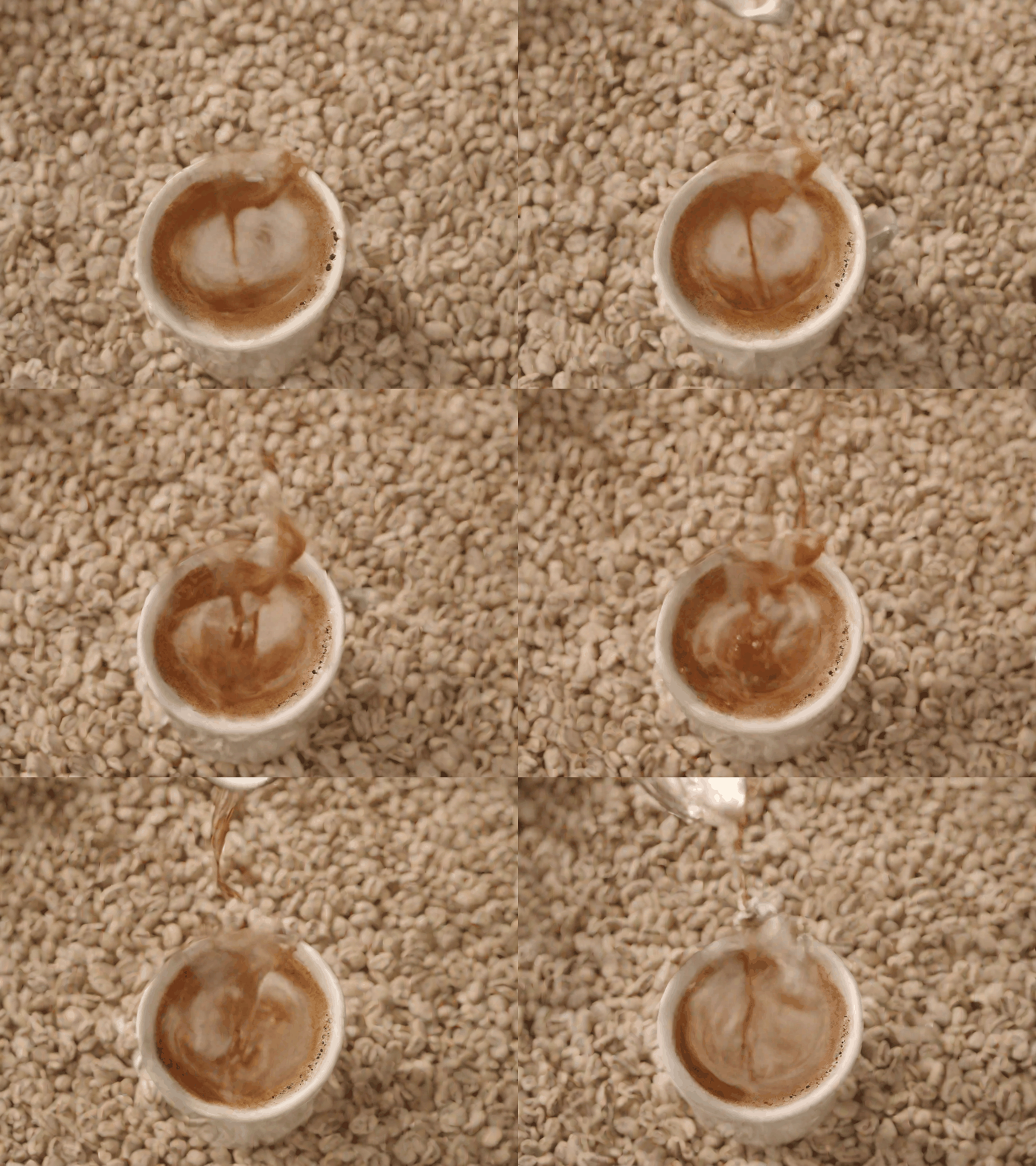

Compress your GIF for WhatsApp delivery.
Keep the same animated idea, then reduce the actual file size if needed and test the result in the target WhatsApp flow.
📱 WhatsApp GIF Size Guide
| Tier | File Size | Status |
|---|---|---|
| Any GIF | Check the downloaded file | Test before sharing |
Need a smaller file? Compress it free →
Best Animation Styles for WhatsApp
Birthday & celebrations
Face Glow · Zoom Sparkle · Portrait Warm
Warm, emotional, personal — feels like a real gift
Portraits of people
Head Turn · Eye Blink · Portrait Subtle
Natural face motion is immediately recognisable
Funny reactions
Burst Laugh · Shock Drop · Head Bob
Expressive and reads well on a small phone screen
Love & relationship
Face Glow · Portrait Soft
Subtle warmth — not over-the-top
What People Send on WhatsApp
Birthday Wishes
Send an animated birthday GIF instead of a plain text. Animate a cake, balloons, or a photo of the person.
Love & Relationship
A personalized animated GIF of a shared photo or romantic scene is more heartfelt than any emoji.
Celebrations
New job, graduation, engagement — mark the moment with a custom animated GIF in the family group chat.
Funny Reactions
Turn any photo into a reaction GIF and drop it in the chat at exactly the right moment.
International Friends
GIFs cross language barriers. A visual reaction lands the same no matter where in the world the chat is.
Group Announcements
Share news in a group chat with an animated GIF — gets way more attention than a text message.
Why Choose Moxion for WhatsApp GIFs?
vs WhatsApp built-in search, GIPHY, and Canva
| Feature | Moxion✦ | WhatsApp Search | GIPHY | Canva |
|---|---|---|---|---|
| Custom photo as the GIF source | ✓ | – | – | – |
| AI animation styles (portrait, reaction) | ✓ | – | – | – |
| Text-to-GIF from text prompt | ✓ | – | – | – |
| Actual file-size check | ✓ | – | – | – |
| Browse existing GIF library | – | ✓ | ✓ | – |
| Free to start | ✓ | ✓ | ✓ | ✓ |
Ready to Send? Here's How
Download your GIF from Moxion to your phone's photo gallery.
Open WhatsApp and go to the chat or group where you want to share it.
Tap the attachment icon → Gallery → select your GIF file.
Preview the attachment, add a caption if needed, and test playback in the target chat or group.
Frequently Asked Questions
What is the GIF size limit for WhatsApp?›
WhatsApp behavior can vary by device and may re-encode media. Check the downloaded file size, test it in the target chat or Status flow, and use GIF Compressor if the actual result is too large.
How do I send a GIF on WhatsApp?›
Download the GIF to your phone, open the target WhatsApp chat, and choose it from Gallery or File. Preview what WhatsApp shows before sending because the app may re-encode the media and playback can vary by device.
Can I make a GIF from a photo to send on WhatsApp?›
Yes. Upload a photo using Image-to-GIF, pick an animation style, and download the result. Check the actual file and test it in WhatsApp before sharing.
Does WhatsApp play GIFs automatically?›
WhatsApp can preview GIFs as looping media, but behavior can vary by device, app version, and re-encoding. Test the downloaded result in the target chat before sending.
Is it free to make GIFs for WhatsApp?›
네. 무료 플랜에서는 하루에 움직이는 GIF 1개를 생성할 수 있습니다. 신규 계정에는 가입 증정 Credits가 제공되지 않습니다. 공용 Quick Preview는 매일 1회 무료입니다. 추가 생성과 더 높은 품질이 필요하면 Credits를 사용하세요.
Why is my GIF too large for WhatsApp?›
GIF file size depends on duration, resolution, and color complexity. Check the actual downloaded size and use GIF Compressor before sending when a smaller file is needed.
Can I send a GIF in a WhatsApp group?›
You can attach the downloaded file in a WhatsApp group, but playback and re-encoding can vary across devices. Preview the result and test it in the target group before relying on its presentation.
Why does WhatsApp convert my GIF to a video?›
WhatsApp sometimes re-encodes GIFs as short looping MP4 videos for efficiency. The recipient still sees it as a looping animation — it just plays as a tiny video clip instead of a GIF. This is normal behavior and does not affect how it looks.