Конвертер MP4 в GIF
Преобразуйте фрагменты MP4, WebM или MOV в GIF, WebP или APNG. Обрезайте клип, настраивайте FPS и размер, при необходимости добавляйте текст или логотип.
Загрузите видео или GIF
Перетащите сюда видео или GIF
Поддерживаемые форматы: MP4, MOV, WebM, AVI, GIF (до 100 МБ)
Как конвертировать MP4 в GIF
Загрузите MP4
Перетащите или выберите поддерживаемое видео размером до 100 МБ.
Обрежьте и настройте
Выберите фрагмент, FPS, размер, формат и качество результата.
Конвертируйте и скачайте
Экспортируйте анимацию, просмотрите результат и скачайте готовый файл.
Всё необходимое в одном инструменте
Прямая конвертация
Загрузите видео, обрежьте фрагмент, задайте FPS и размер и экспортируйте без установки программ.
Точная настройка качества
Настраивайте дизеринг, количество цветов, уменьшение файла, формат и скорость воспроизведения.
Текст и логотип
Добавьте оформленный текст или поместите логотип PNG на каждый кадр анимации.
Нужно больше настроек? Открыть полную студию Video to GIF
Сценарии использования
Зачем конвертировать MP4 в GIF?
GIF можно встроить туда, где проигрыватель MP4 неудобен или недоступен.

Социальные сети и сообщества
Преобразуйте короткий MP4 в GIF для сообществ и публикаций, которые поддерживают анимированные изображения.
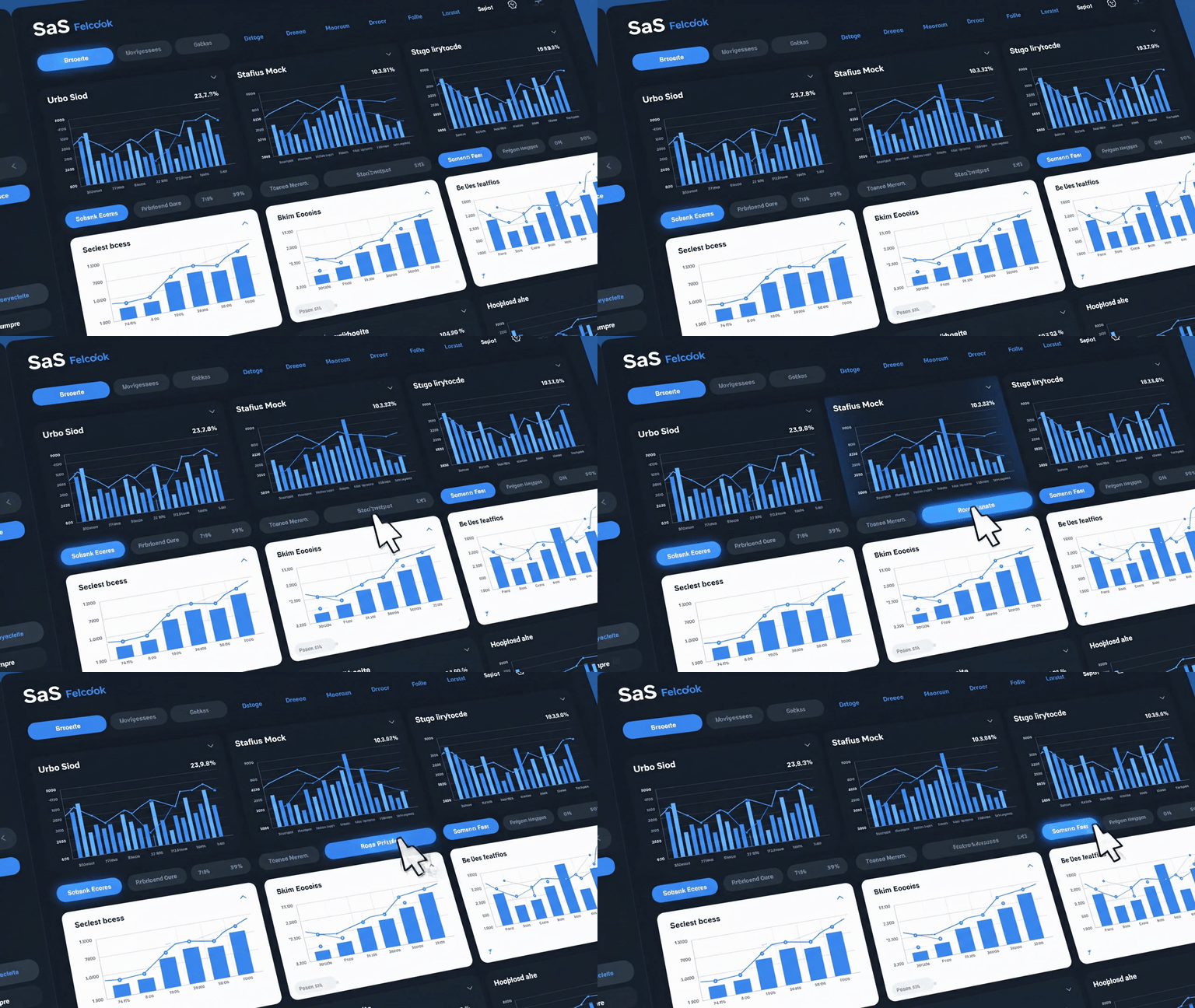
Документация и инструкции
Преобразуйте короткую запись экрана для README на GitHub, страниц Notion, документов Confluence или задач Jira.
Письма и маркетинг
Подготовьте анимированные фрагменты продукта для писем, посадочных страниц, запусков и других мест с поддержкой GIF.
Почему Moxion
Проще FFmpeg и гибче базовых конвертеров
Загрузите видео, настройте параметры в браузере и скачайте готовую анимацию после конвертации.
| Возможность | Moxion✦ | Ezgif | FFmpeg | VLC |
|---|---|---|---|---|
| Работа в браузере | ✓ | ✓ | – | – |
| Настройка цветов | ✓ | – | ✓ | – |
| Свой FPS | ✓ | ✓ | ✓ | – |
| Без водяного знака Moxion | ✓ | ✓ | ✓ | ✓ |
| Обработка в облаке | ✓ | – | – | – |
| Файлы до 100 МБ | ✓ | – | ✓ | – |
| Прямое скачивание | ✓ | ✓ | ✓ | – |
Подарочных Credits при регистрации нет; одна Quick Preview в день бесплатна.
Продолжайте работу после конвертации в GIF
Перейдите в рабочее пространство GIF или к созданию видео, сохранив назначение текущего результата.
Сохраните результат в проектах, чтобы вернуться к нему или использовать повторно.
Посмотреть проектыПохожие ИИ-инструменты для GIF
Частые вопросы о конвертации MP4 в GIF
Загрузите MP4, обрежьте нужный фрагмент, выберите размер и FPS, затем нажмите «Экспортировать GIF». Базовая конвертация бесплатна и не добавляет водяной знак Moxion.
Можно загрузить поддерживаемое видео размером до 100 МБ. Если видео длинное, перед экспортом оставьте только нужный фрагмент.
Уменьшите FPS и ширину результата, сократите фрагмент или выберите более сильное уменьшение размера файла в расширенной студии.
Да. В студии фирменного оформления можно добавить текст или логотип PNG. Расширенные функции и оформление могут использовать Credits, если они не включены в подписку.
Доступен экспорт в GIF, WebP и APNG. GIF широко поддерживается, WebP часто даёт меньший файл, а APNG поддерживает анимацию без потерь и прозрачность.
Нет. При конвертации видео в GIF водяной знак Moxion не добавляется. При публикации по-прежнему действуют правила сторонней платформы.
Да. Выберите готовое значение или задайте FPS вручную. Низкий FPS обычно уменьшает файл, а высокий делает движение плавнее, но увеличивает размер результата.