Create Custom Animated GIFs for Discord
Make animated server icons, custom emojis, reaction GIFs, and avatar animations for Discord. Upload any image, pick a style, and get your GIF in seconds — free.
用徽标、头像、表情图或照片制作 Discord 专属动态 emoji、服务器图标、贴纸和个人资料 GIF。Moxion 的 Discord GIF 制作工具无需逐帧编辑:上传图片、描述动作,即可生成可下载的循环动画。创建文件本身不要求 Discord Nitro,但动态头像、动态服务器图标等具体用途可能需要 Nitro 或相应的服务器加成等级。自定义 emoji、贴纸和图标的尺寸与文件大小限制各不相同,因此页面会同时提供尺寸说明、压缩和调整工具。徽标适合轻微脉冲或闪光,反应表情适合更有表现力的动作,头像则应保持克制而自然的面部运动。先完成动画,再根据实际 Discord 用途压缩或调整成准确规格。
Step 1
Upload your image
Logo, avatar, meme, or any photo
Step 2
Choose animation
Pulse, Shimmer, Laugh, Glow...
Step 3
Add to Discord
Emoji, icon, sticker, or avatar
Platform guidance: Choose the Discord destination first, then check the downloaded GIF against that destination's current dimensions and file-size limit. Compress or resize when needed.
由和你一样的人制作
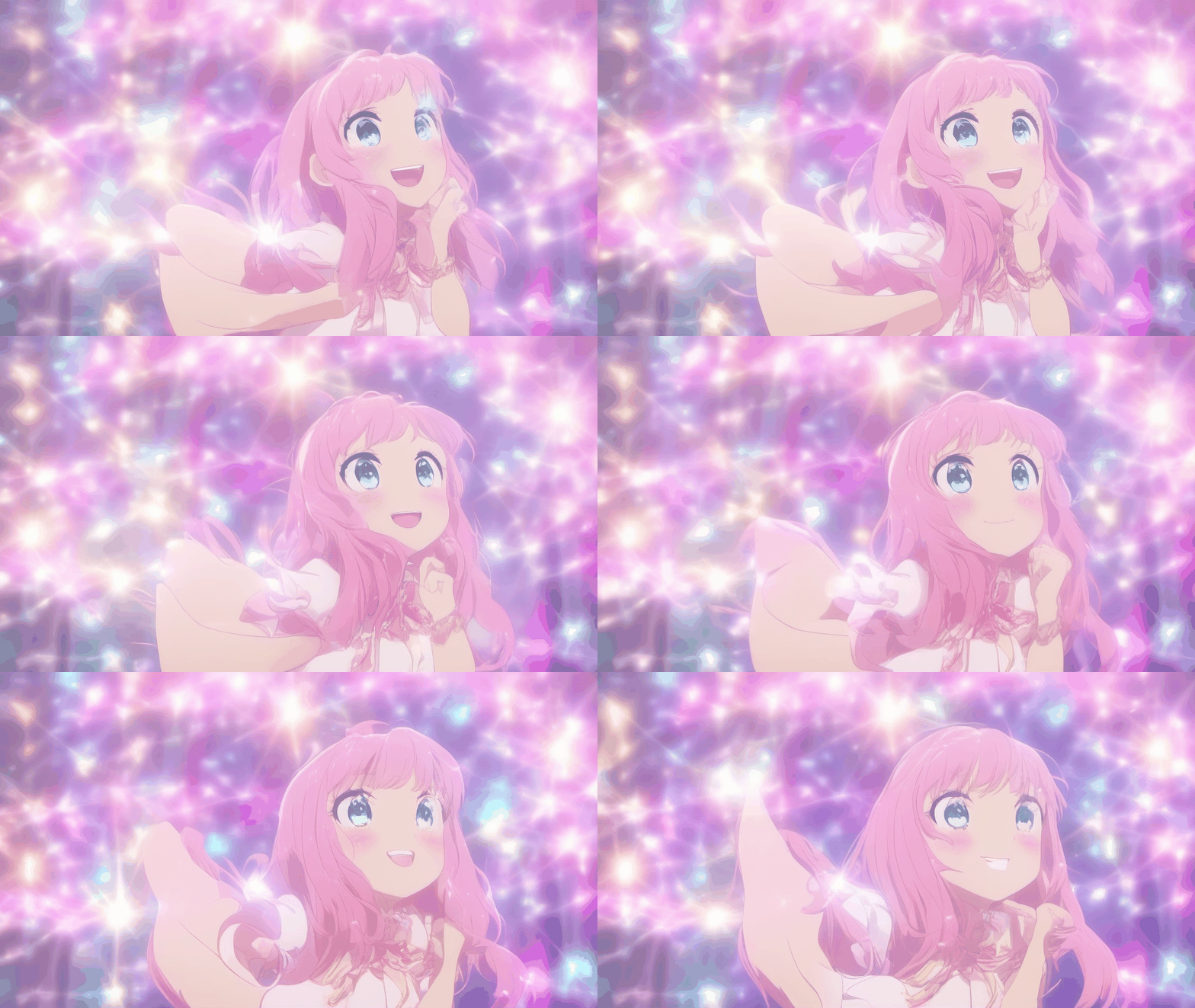
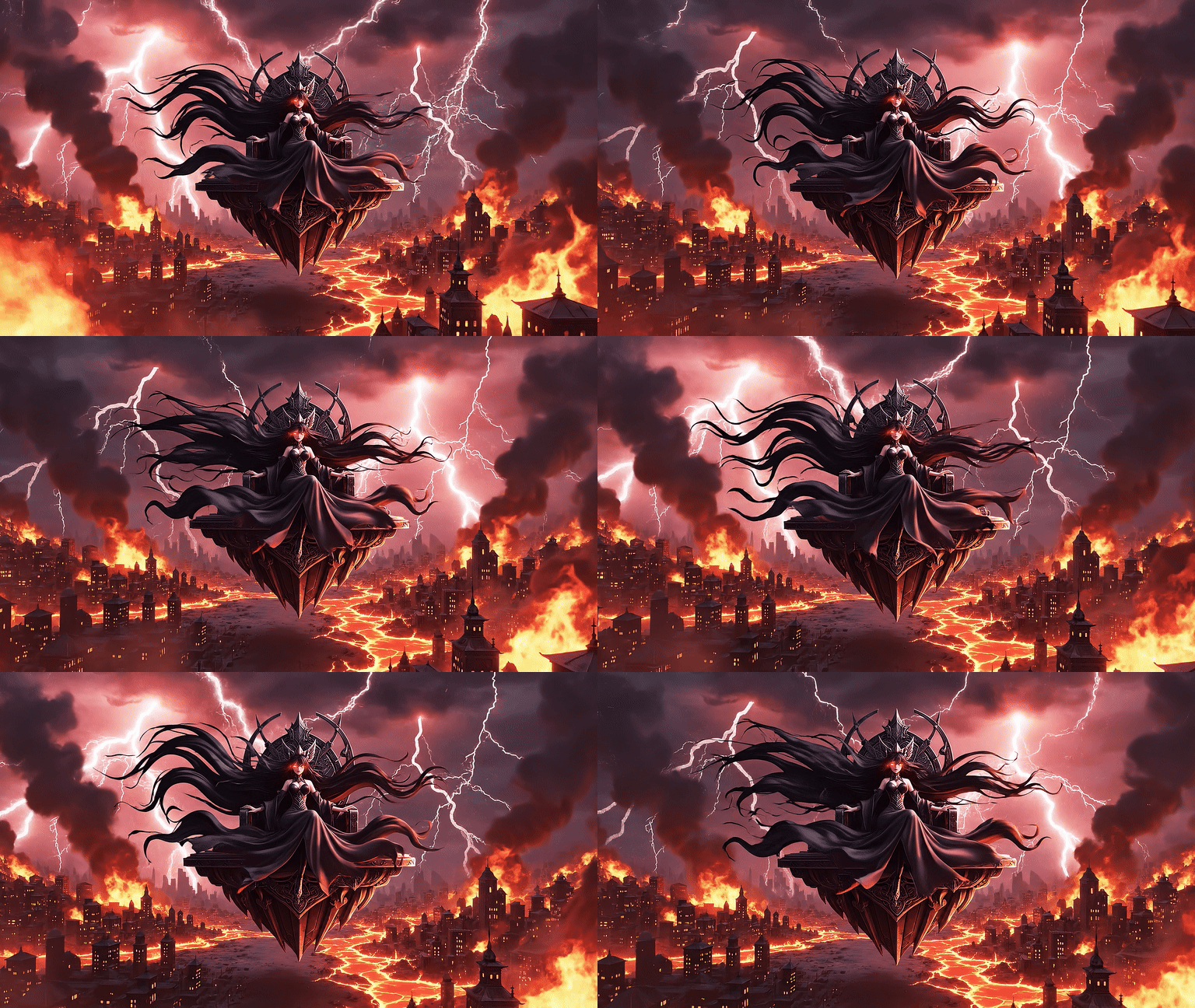
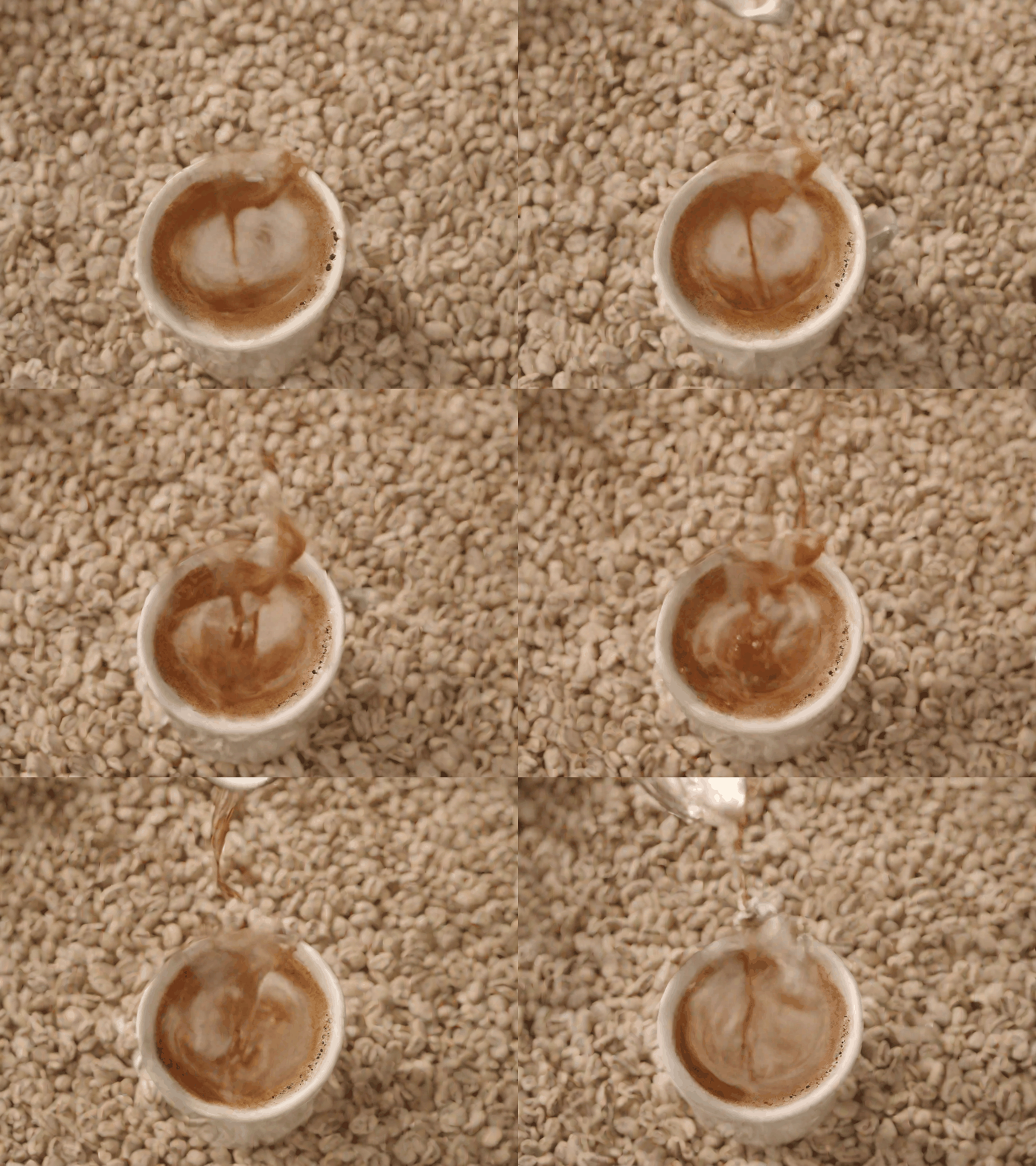
来自社区的真实图片转 GIF 动画。将鼠标移到(或点击)任一张卡片,即可看到原图动起来。
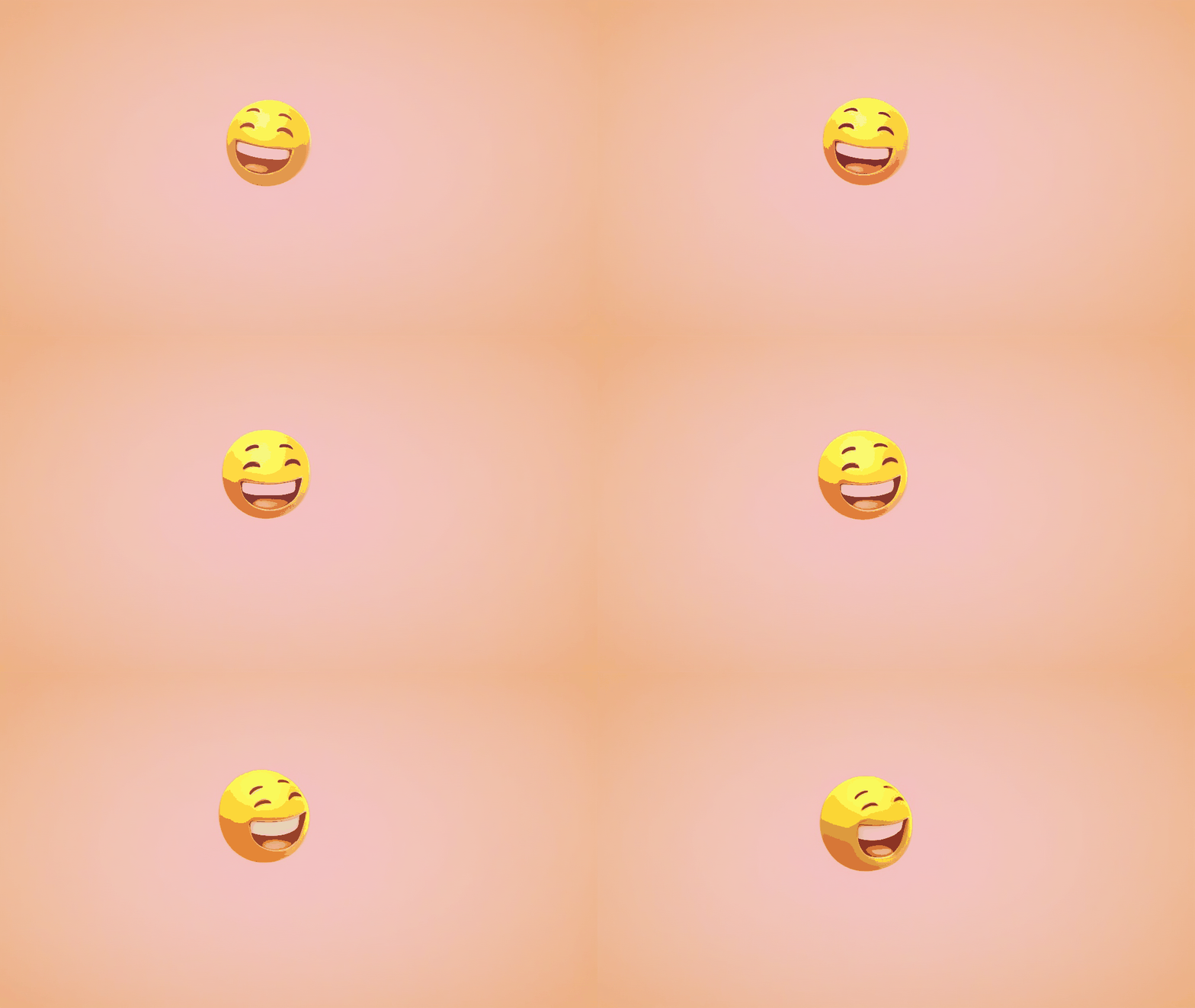
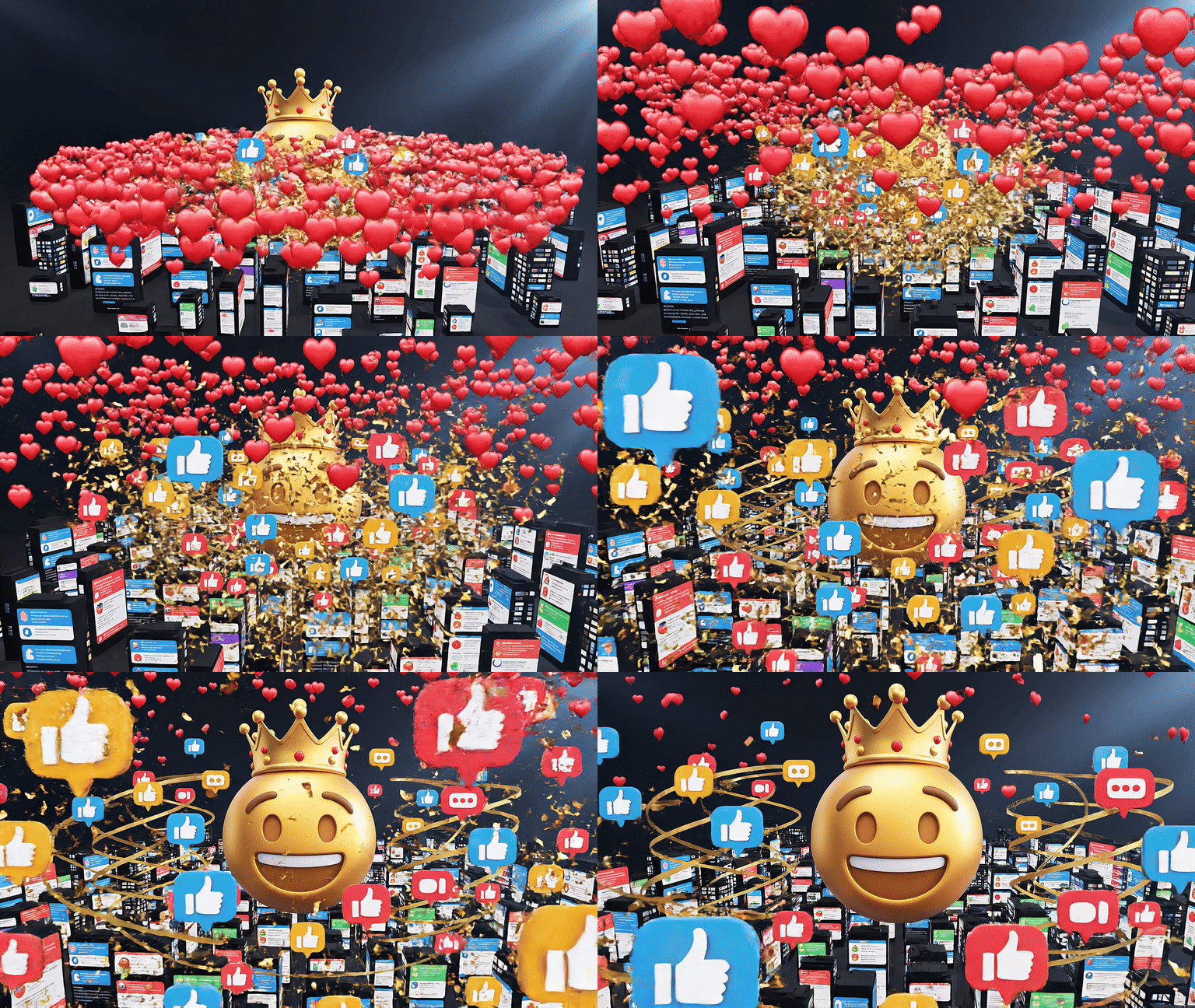
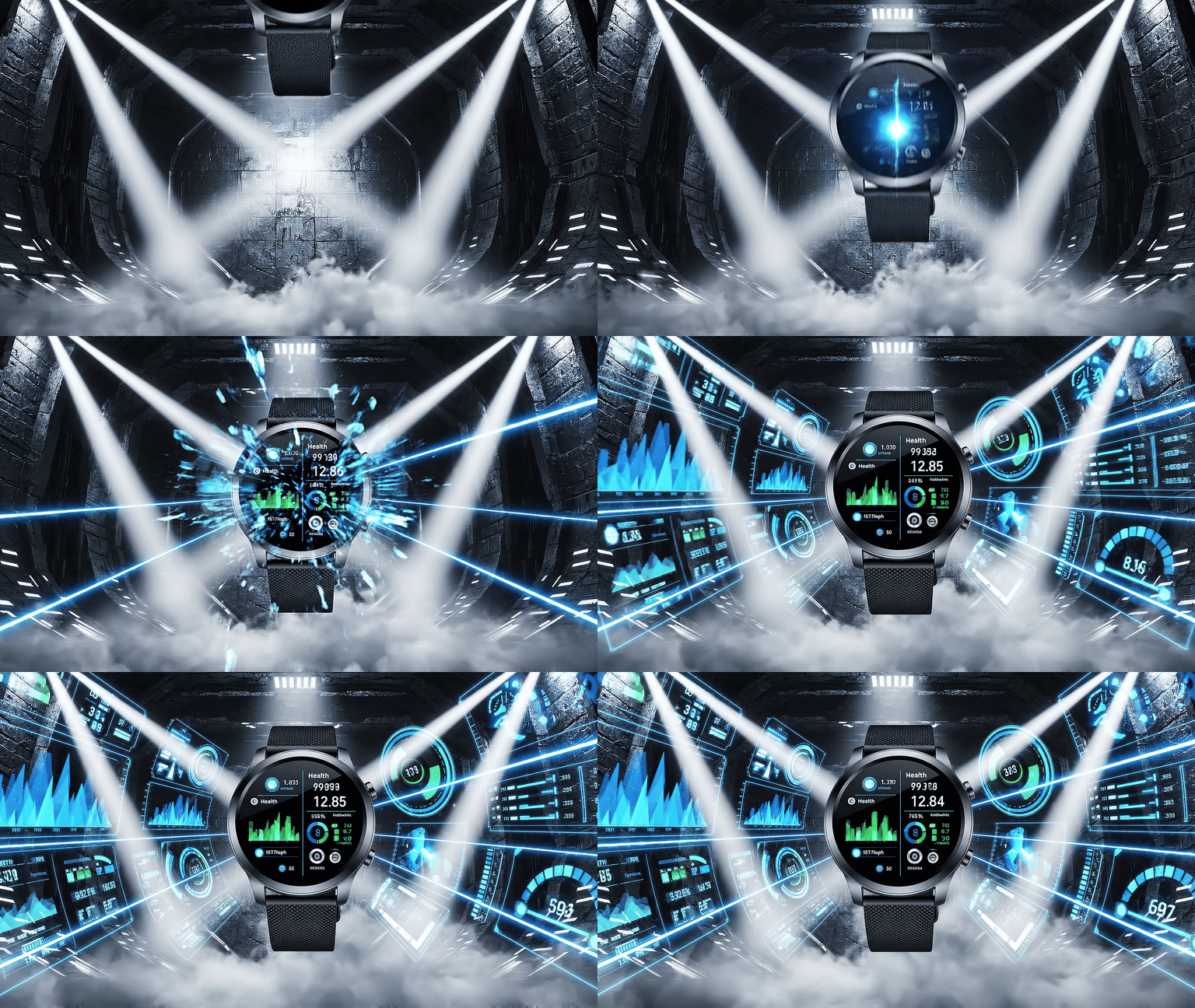

Compress and resize your GIF for Discord.
Keep the same GIF idea, then resize or compress the downloaded file and verify it against the current Discord destination requirements before upload.
Discord GIF Size Requirements
| Type | Size | Limit |
|---|---|---|
| Custom Emoji | 128×128 px | ≤ 256 KB |
| Server Sticker | 320×320 px | ≤ 500 KB |
| Animated Avatar | Any square | ≤ 10 MB |
| Server Icon | 512×512 px rec. | ≤ 8 MB |
Emoji Slots by Server Boost Level
| Boost Level | Emoji Slots |
|---|---|
| No boost | 50 |
| Level 1 | 100 |
| Level 2 | 150 |
| Level 3 | 250 |
Best Animation Styles for Discord
Server icons
Logo Pulse · Logo Shimmer
Loops cleanly at small sizes
Reaction emotes
Head Bob · Eye Blink · Burst Laugh
Readable at 128×128
Profile avatars
Head Turn · Face Glow
Portrait-optimised motion
Channel stickers
Reaction + Zoom In
More canvas = more expressiveness
What You Can Make for Discord
Custom Server Icon
Animate your server logo with a pulse or shimmer effect. Requires Level 1 boost for animated icons.
Custom Reaction Emotes
Turn any image into a Burst Laugh or Shock Drop emote. Nitro servers support up to 500 custom emojis.
Animated Avatar
Discord Nitro users can set animated GIFs as their profile picture. Use Head Turn or Eye Blink for portraits.
Server Stickers
Discord stickers support GIF format. Upload your animated creation in Server Settings → Stickers.
Channel Banners
Animated GIFs work as pinned media in channels, making announcements and rules more engaging.
Boost Celebration GIFs
Create a custom animated thank-you GIF for server boosters to post when someone supports your server.
想要更有表现力的反应?可以用以下工具把熟悉图片变成循环动画: Meme GIF Maker.
Why Choose Moxion for Discord GIFs?
vs GIPHY, Tenor, and Canva
| Feature | Moxion✦ | GIPHY | Tenor | Canva |
|---|---|---|---|---|
| Animate your own uploaded photo | ✓ | – | – | – |
| Discord emoji & sticker size guide | ✓ | – | – | – |
| Logo & server icon animation styles | ✓ | – | – | – |
| Text-to-GIF from text prompt | ✓ | – | – | – |
| Searchable GIF library | – | ✓ | ✓ | – |
| Free to start | ✓ | ✓ | ✓ | ✓ |
Ready to Upload? Here's How
Download your GIF from Moxion (compress with GIF Compressor if over the size limit).
Open Discord → your server → Server Settings.
Emoji: Emoji tab → Upload Emoji → name it (e.g. :fire_logo:) → Save.
Sticker: Stickers tab → Upload Sticker → add name & description.
Profile avatar: Your profile → Edit User Profile → Change Avatar (Nitro required).
Emoji over 256 KB? Use GIF Compressor →
Frequently Asked Questions
How do I make a GIF for Discord?›
Upload any image, pick an animation style (Logo Pulse for server icons, Reaction styles for emotes), and download the GIF. Then upload it to Discord as a custom emoji or profile picture. Takes under a minute.
What size should a Discord animated emoji be?›
Discord requires custom emojis to be under 256 KB and at most 128×128 pixels. After downloading your GIF, use our free GIF Compressor to reduce the file size if needed.
Can I make an animated Discord profile picture?›
Yes. Discord Nitro subscribers can use animated GIFs as their avatar. Upload a portrait or character image, pick "Head Turn" or "Eye Blink", and set the GIF as your Discord profile picture.
How do I make an animated Discord server icon?›
Upload your server logo, select the Logo tab, and pick Pulse or Shimmer. Download the GIF and go to Server Settings → Overview → Server Icon to upload it. Server boosts Level 1+ allow animated icons.
Can I create Discord stickers with this tool?›
Yes — Discord stickers support APNG and GIF formats up to 500 KB. Generate your animated GIF here, compress it if needed, then upload in Server Settings → Stickers.
Is this tool free for Discord use?›
是的,每天可免费生成 1 个 GIF。新账户不含赠送 Credits。每天仍可免费使用 1 次共享 Quick Preview。
What are Discord's file size limits for GIFs?›
Discord has three GIF file size limits depending on where you use them: Custom emoji must be under 256 KB at 128×128 pixels. Stickers must be under 500 KB at 320×320 pixels. General file uploads are limited to 8 MB for free accounts and 25 MB for Nitro subscribers.
Do I need Discord Nitro to use animated emojis?›
You do not need Nitro to upload animated emojis to your own server — any server admin can add custom animated emoji. You do need Nitro to use those animated emojis outside your home server. For animated profile pictures and animated server banners, Nitro is required.
What animation styles work best for Discord emojis?›
For reaction emotes, the Burst Laugh, Shock Drop, and Head Bob styles read well at 128×128 pixels. For server icons, Logo Pulse and Logo Shimmer work best — they loop cleanly and stay readable at small sizes.
How do I upload a GIF as a Discord emoji?›
Download your GIF, then go to your Discord server → Server Settings → Emoji → Upload Emoji. Select your GIF file. If the file is over 256 KB, run it through the GIF Compressor first. The emoji name defaults to the filename — you can rename it before saving.
Can I convert a video clip into a Discord GIF?›
Not directly in this tool — the Discord GIF Maker works with still images. To convert a video clip to a GIF for Discord, upload your video to the MOV to GIF tool first, then use the GIF Compressor to get it under the emoji or sticker size limit.
Also make GIFs for other platforms
想从照片或服务器图标开始? 先用图片转 GIF 制作动画 再调整为适合 Discord 的尺寸。