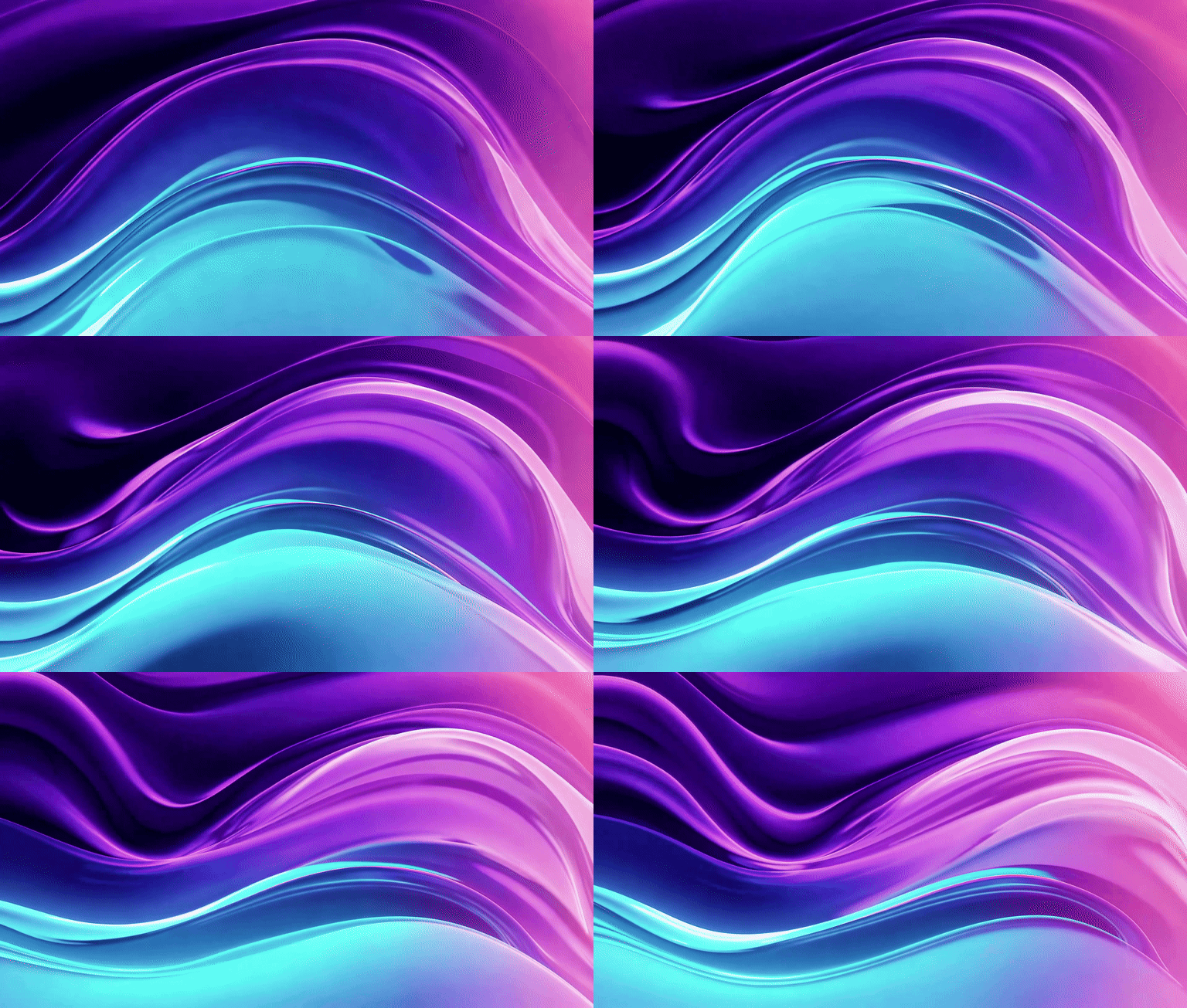
Hero Gradient Loop
A smooth looping gradient animation transitioning between deep purple, electric blue, and soft pink, perfect for a website hero background with gentle flowing motion
テキスト入力からアニメーションGIFを生成。SNS投稿、表情GIF、マーケティング素材に最適。


Try a template
Pick a template and start creating instantly

A smooth looping gradient animation transitioning between deep purple, electric blue, and soft pink, perfect for a website hero background with gentle flowing motion

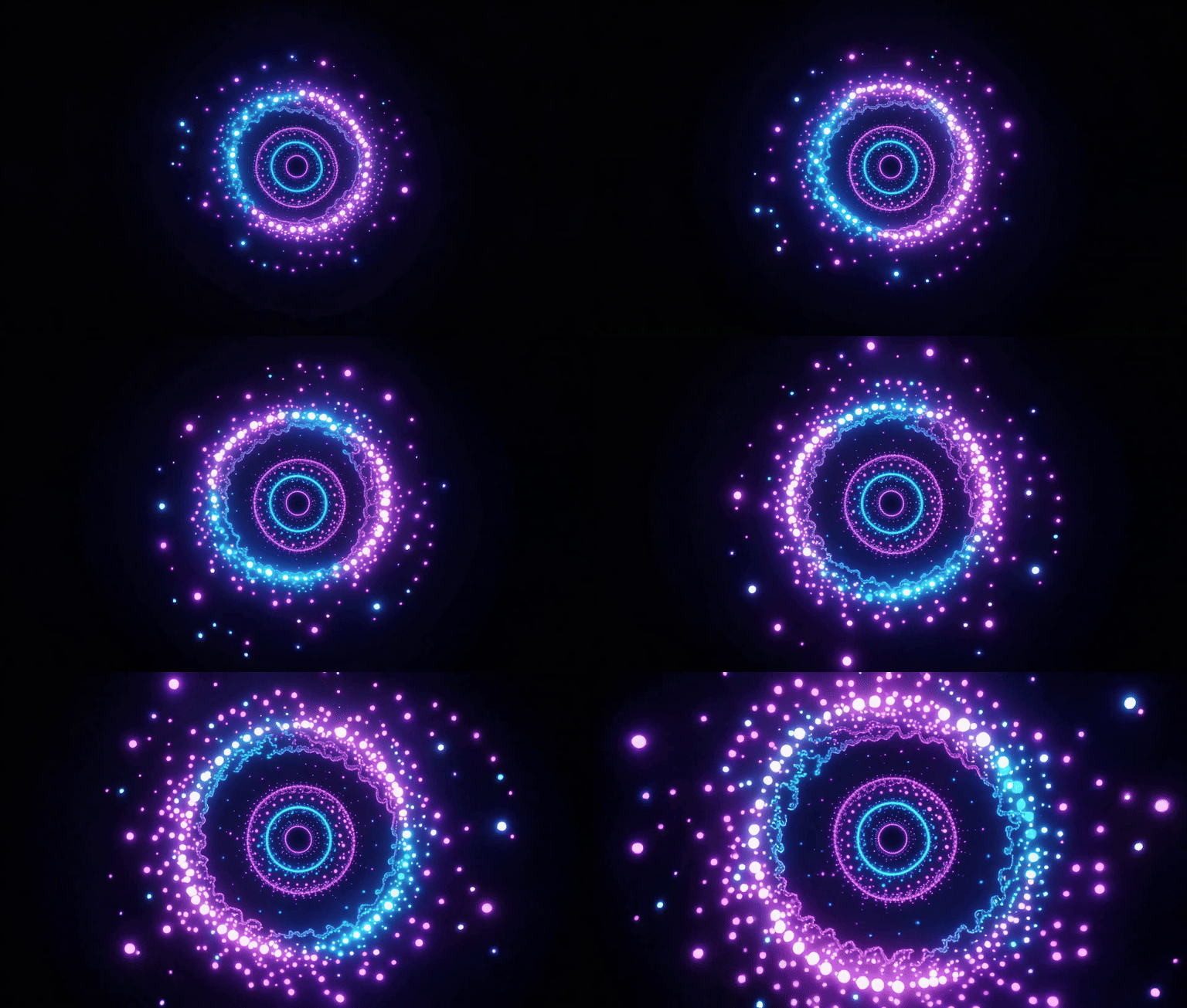
A minimalist loading spinner animation with glowing particles orbiting in a circle, modern UI design style with dark background and neon accents
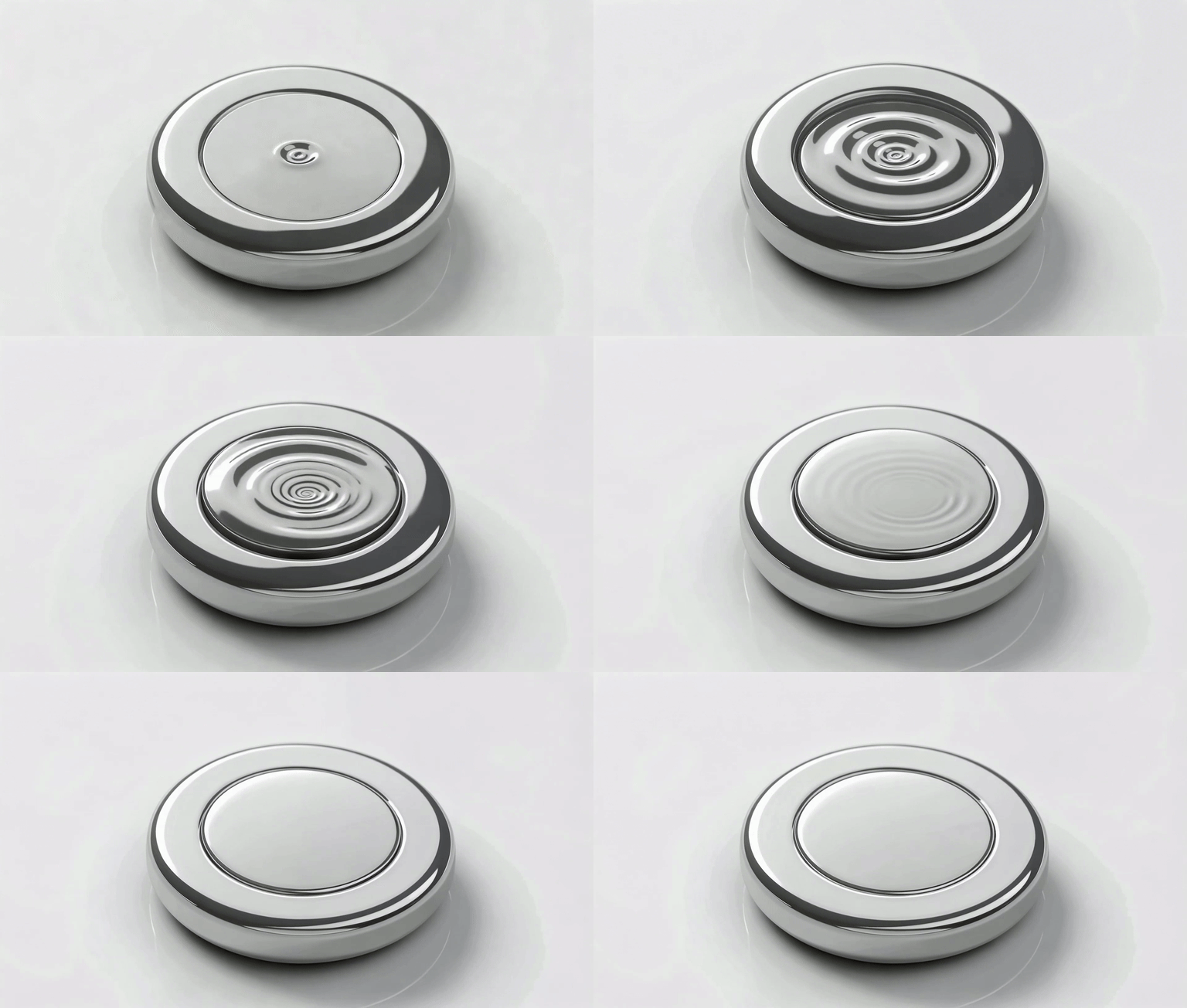
A sleek button hover animation with ripple effect spreading from the center, morphing from flat to 3D with a subtle glow and shadow transition
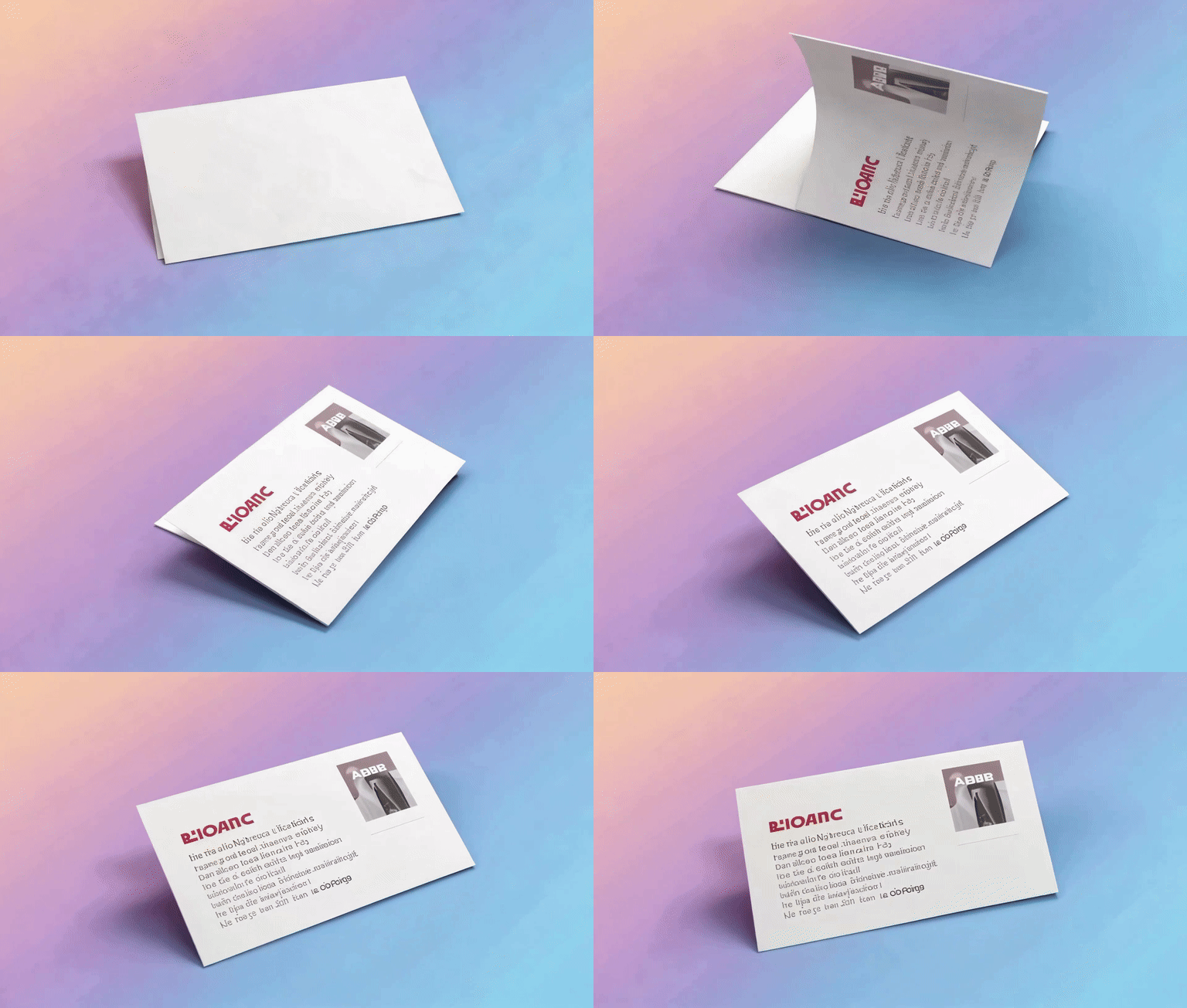
A smooth 3D card flip animation revealing content on the back side, with realistic perspective and soft shadow, clean white card on gradient background
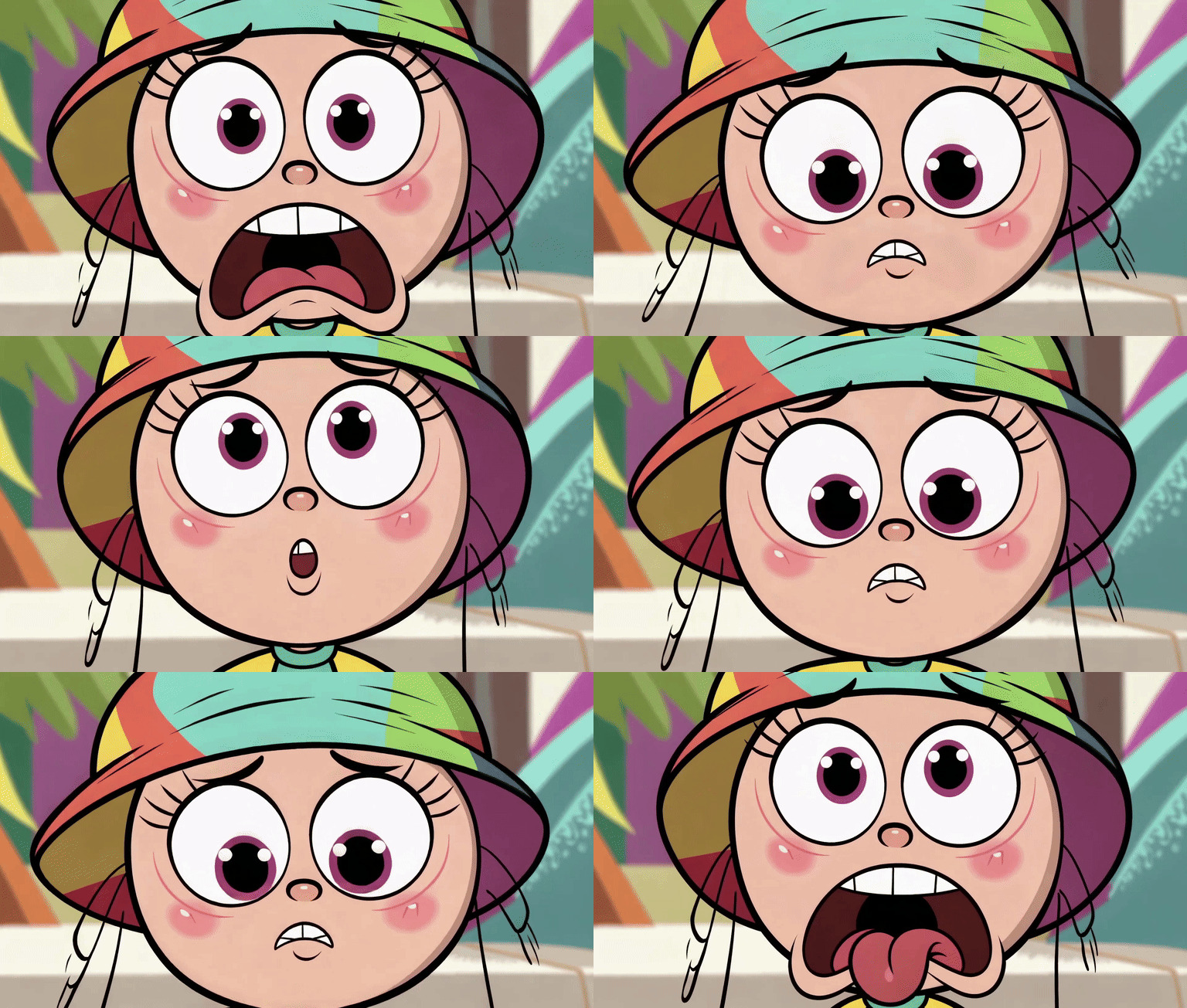
A cartoon character with exaggerated surprised expression, eyes widening and jaw dropping, colorful comic style perfect for social media reactions
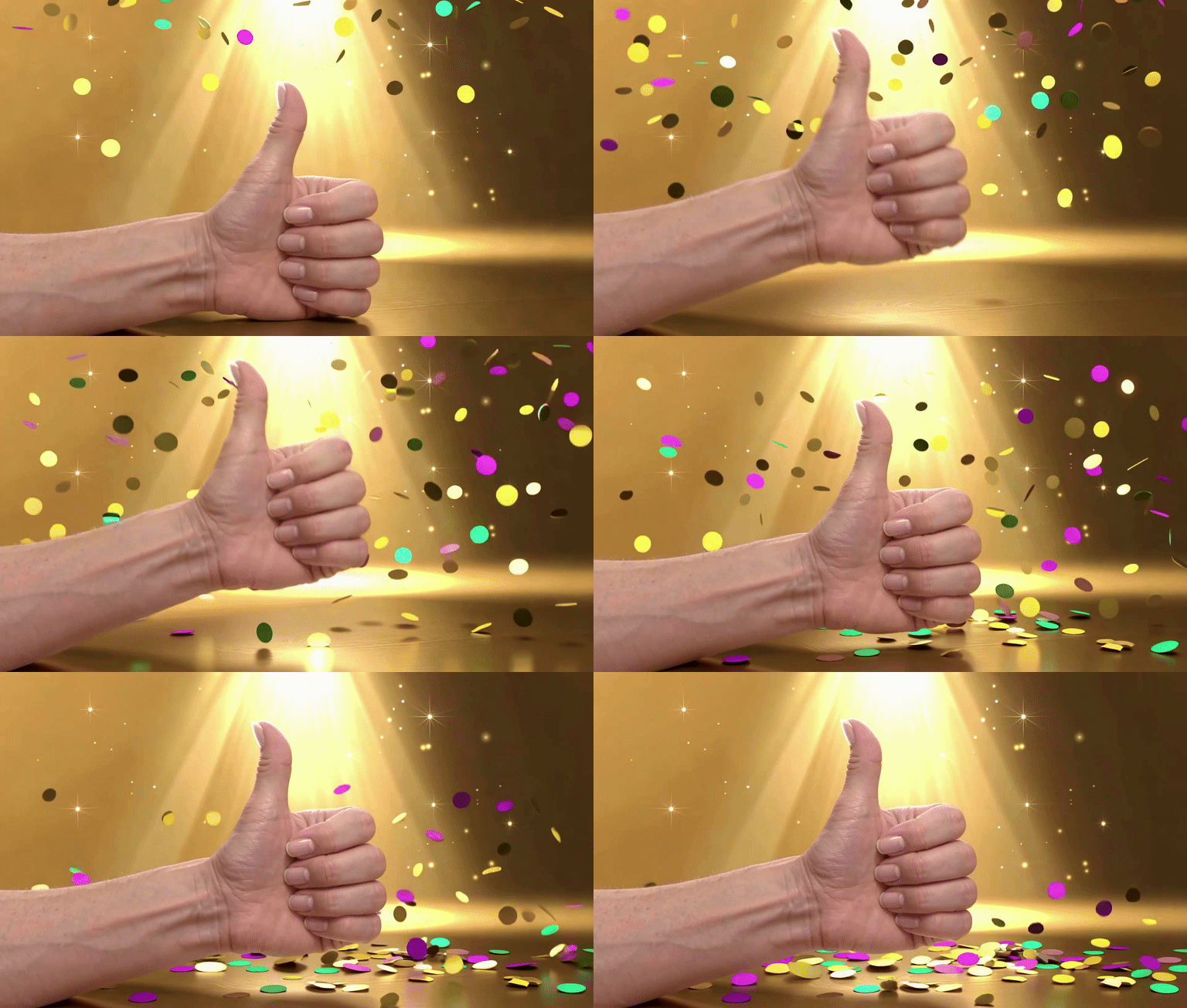
A cheerful animated thumbs up gesture with sparkle effects and confetti burst, bright yellow and gold tones, looping celebration animation
テキストからGIFを作成できるAIツールは、アイデアをすばやく動く画像に変えたい人に最適です。従来のGIF作成では動画素材を探したり、フレーム編集を行ったりする必要がありましたが、AIなら文章を入力するだけでアニメーションGIFを生成できます。ミームGIF、リアクションGIF、告知用GIF、シンプルなUIアニメーションまで、短時間で作成できるのが大きな強みです。
SNS運用では投稿用の短いGIFや反応用GIFに使えます。マーケティング用途では、商品訴求の動くバナー、キャンペーン告知、LP用の軽量アニメーション素材として活用できます。開発やデザイン分野では、ローディング表示、ボタンアニメーション、UIデモなどをGIF化するのにも向いています。文章からすぐに作れるため、企画から制作までの時間を大きく短縮できます。
より良い結果を得るには、被写体、動き、雰囲気を具体的に書くのがポイントです。たとえば「青いネオンが回転するローディングGIF」や「かわいい猫がジャンプするリアクションGIF」のように書くと、生成結果が安定しやすくなります。「ミーム風」「レトロ風」「SNS向け」などの文脈を入れると、用途に合ったGIFになりやすくなります。
Simply enter a prompt describing what you want to see, including subject, motion, and style. Example: "A smooth neon loading spinner rotating slowly" Click generate and your GIF will be ready in seconds.
No. The AI handles everything for you. You only need to describe your idea in plain language — no design tools, no frame-by-frame editing, no technical skills required.
Most GIFs are generated within a few seconds on the Free tier. Standard and Pro tiers may take slightly longer for higher-quality, longer animations — typically under a minute.
You can create a wide range of GIFs: • UI animations (loading spinners, button effects, transitions) • Social media GIFs (reactions, memes, stickers) • Product showcases (rotating products, unboxing loops) • Cinematic scenes (rain, sunset, space nebula) • Anime-style animations (characters, magic effects)
Free tier provides preview-quality GIFs — great for testing ideas quickly. Standard and Pro tiers offer: • Higher resolution output • Smoother motion and frame rates • Better visual consistency and detail • Longer animation duration
Yes. You can control: • Style (cinematic, anime, product, social, and more) • Motion type and direction • Duration (4s or 6s on Standard, up to 10s on Pro) • Aspect ratio (16:9, 9:16, 1:1, and more) More advanced controls like GIF conversion settings are available in higher tiers.
Yes, but only with a paid plan. Free tier GIFs are for personal use and testing. Pro plan includes full commercial usage rights for marketing, advertising, and product content.
AI generation depends on how specific your prompt is. Better prompts include: • Clear subject (what is in the scene) • Defined motion (how it moves) • Style description (cinematic, anime, minimal, etc.) Example: Instead of "a spinner" → "A smooth neon loading spinner rotating in a loop on a dark background"
Choose the 9:16 aspect ratio for vertical social content, or 1:1 for square posts. Use the Social style preset for meme-friendly, vibrant animations. Describe your reaction, emotion, or scene clearly in the prompt. Popular social GIF types: reaction faces, dancing characters, celebration effects, and trending meme formats.
Yes, you can generate GIFs for free with daily limits. Free tier includes: • Short duration GIFs • Basic quality output • Limited daily generations No credit card required to start.
You have three options: • Wait for the next day (free generations reset daily) • Continue generating using credits • Upgrade your plan for unlimited access and better quality
Free: Limited daily usage, lower quality, basic features — perfect for trying out the tool. Standard: Better quality, longer duration (4–6s), style presets, faster generation — ideal for regular creators. Pro: Highest quality, advanced controls, longest duration (up to 10s), commercial rights — built for professionals and businesses.
Yes. You can purchase credits and use them anytime without a monthly subscription. Credits never expire and work across all generation tiers.