AI Text to GIF Generator

Text to GIF – Create Animated GIFs from Text

Turn text prompts into animated GIFs in seconds. Perfect for memes, reactions, social posts, marketing content, and shareable motion graphics.
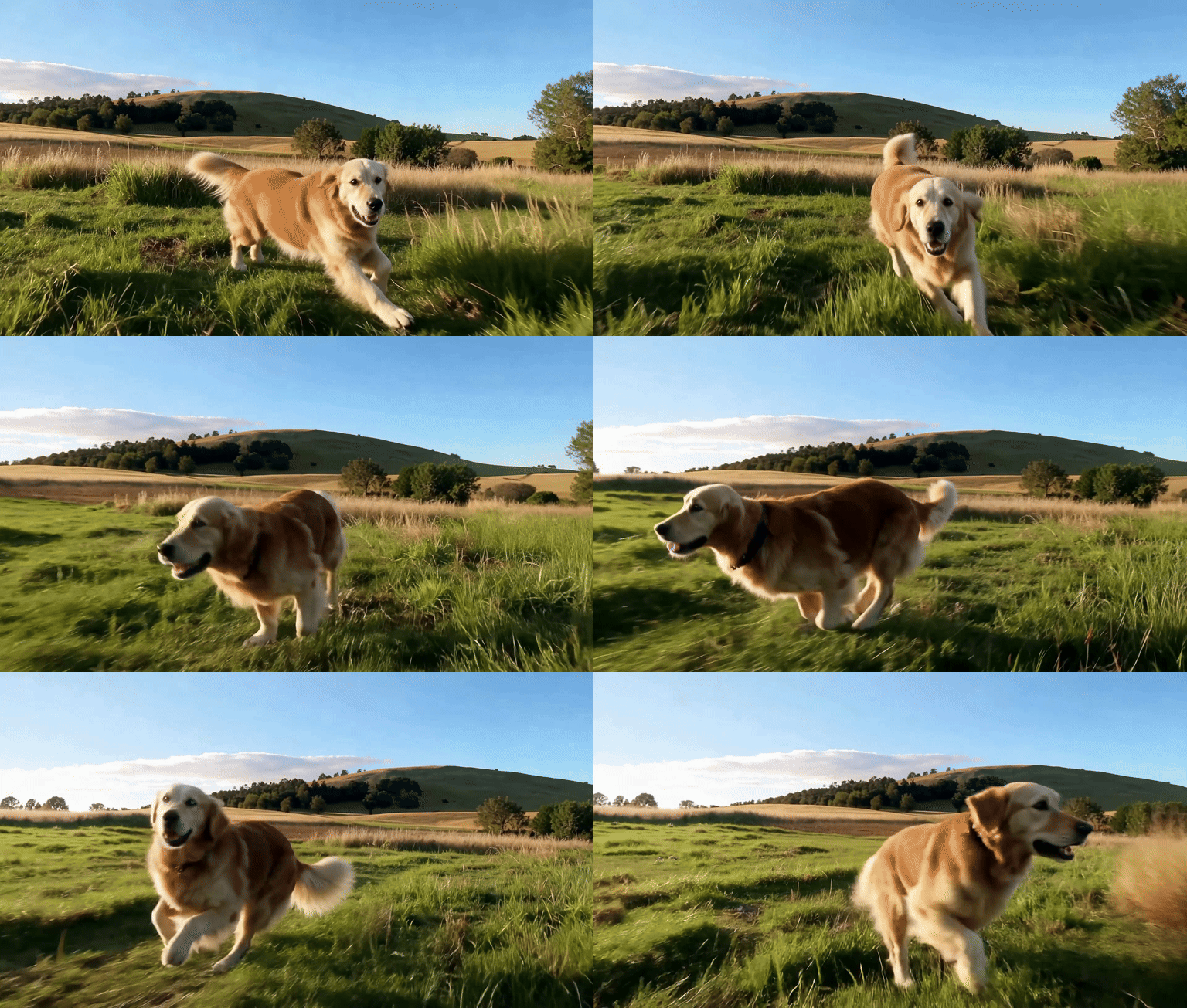

  • Generate animated GIFs from text prompts instantly
  • Create lightweight GIFs optimized for web, chat, and social media
  • Iterate faster, track tasks, and keep your best GIF results
Built for text-to-GIF workflowsFast AI generationShare-ready GIF output
Quality Tier

Prompt

Describe the subject, motion, and style clearly for the best results0/2000
Upgrade for HD & longer clips
Fast preview mode

Content Details

Press Enter or comma to add tags. Tags help others discover your content.

GIF Prompt Templates

Pick a template and start creating instantly

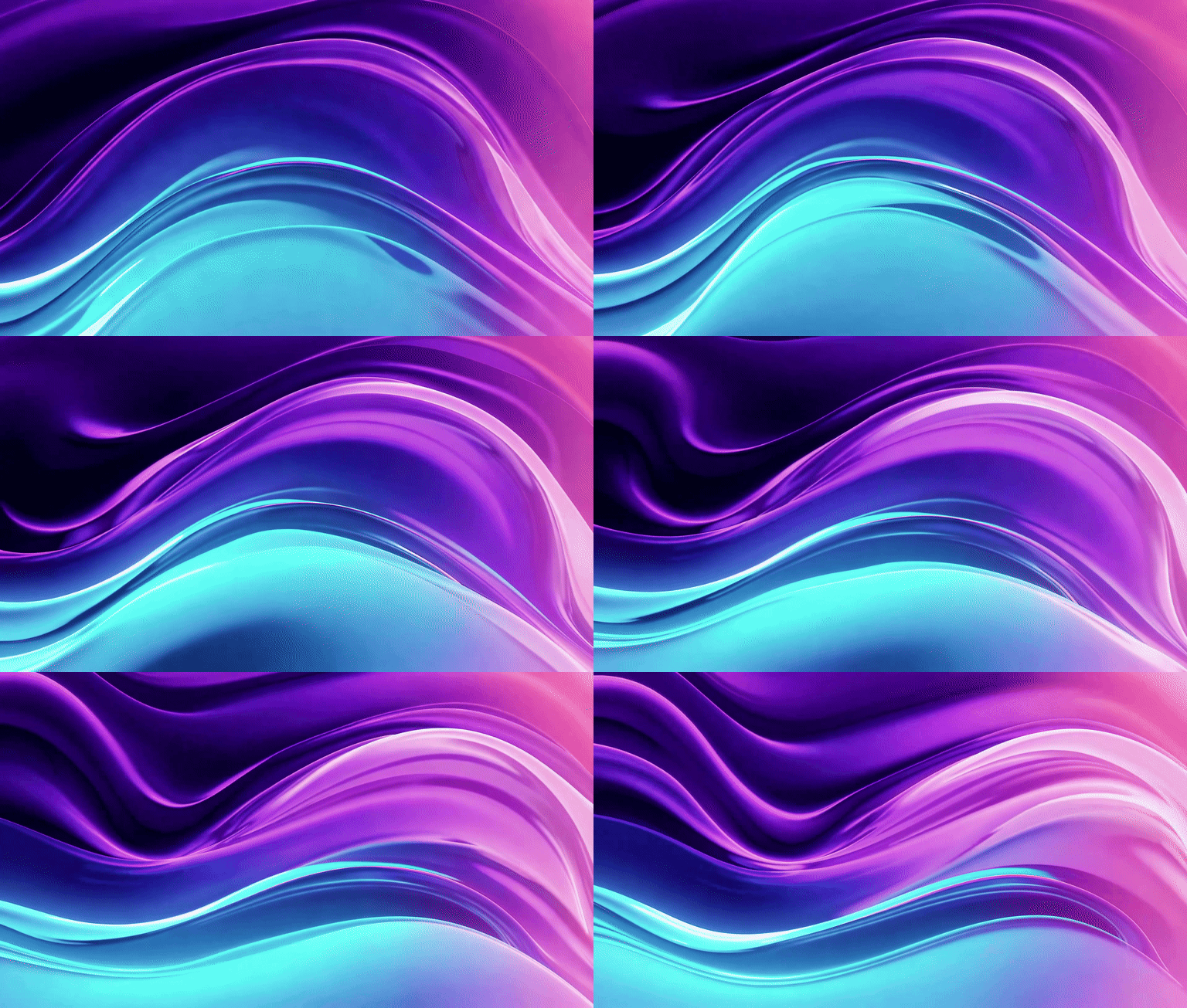
Hero Gradient Loop

Hero Gradient Loop

A smooth looping gradient animation transitioning between deep purple, electric blue, and soft pink, perfect for a website hero background with gentle flowing motion
loopbackground
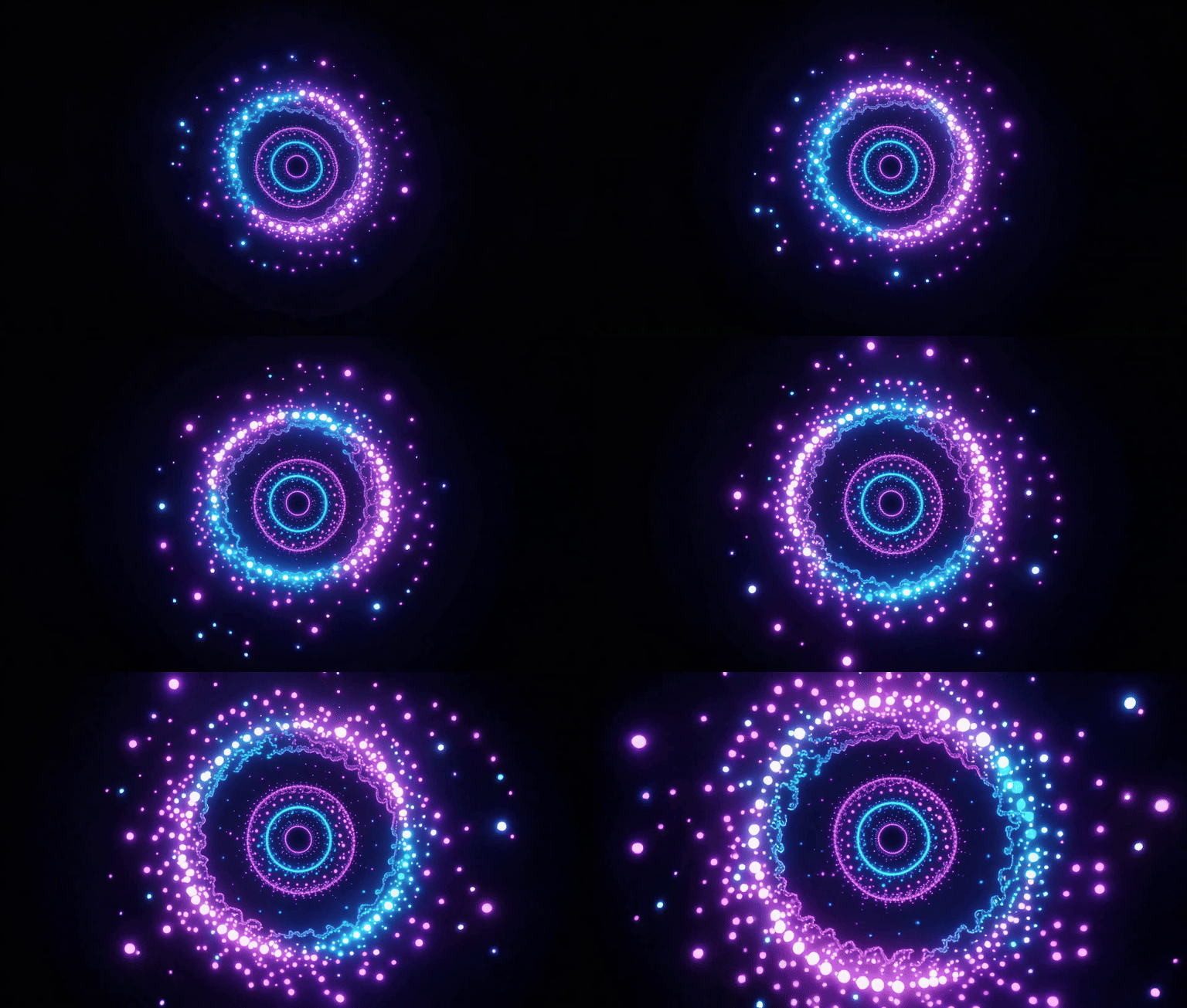
Creative Loading Spinner

Creative Loading Spinner

A minimalist loading spinner animation with glowing particles orbiting in a circle, modern UI design style with dark background and neon accents
loadinganimation
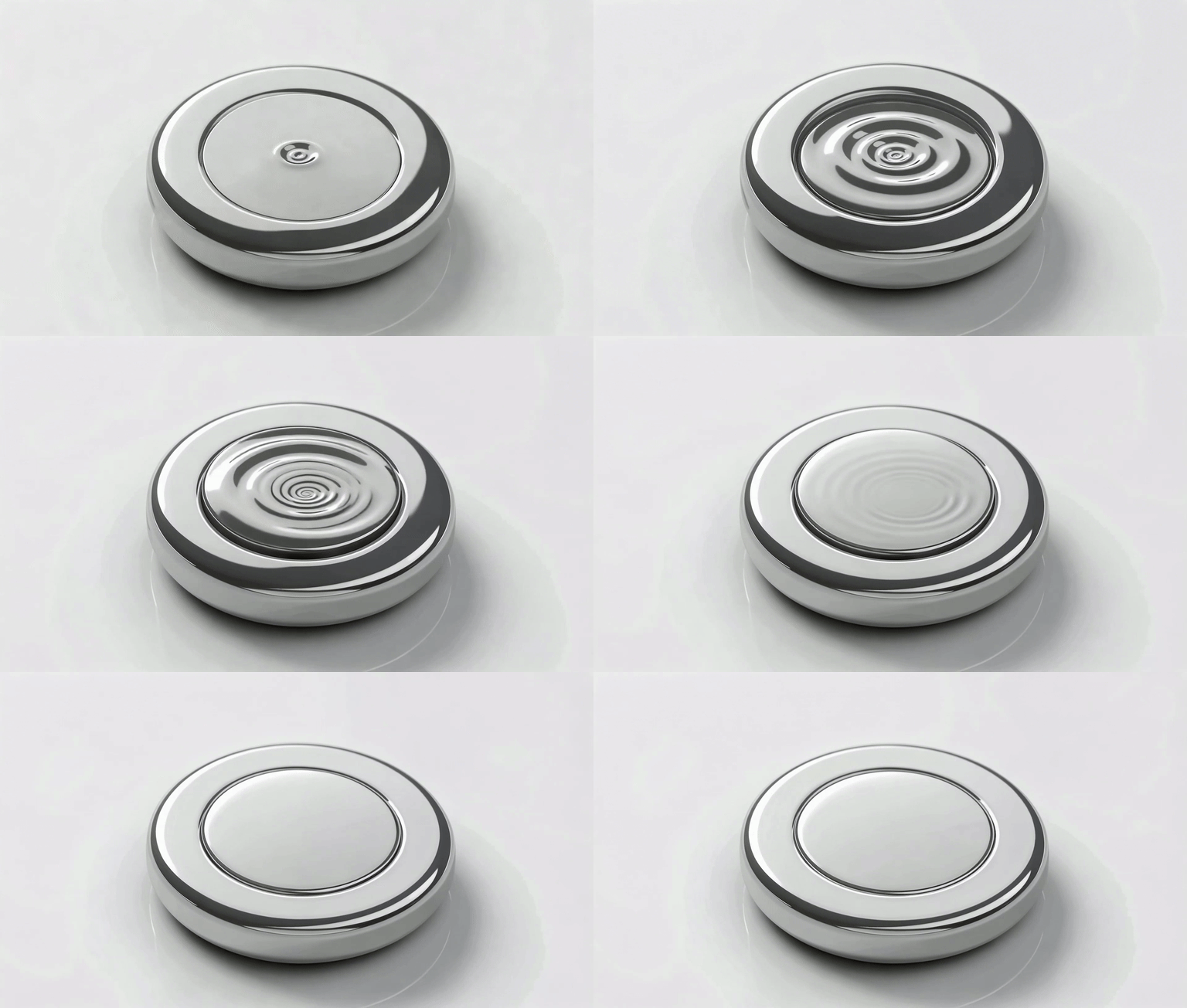
Button Hover Effect

Button Hover Effect

A sleek button hover animation with ripple effect spreading from the center, morphing from flat to 3D with a subtle glow and shadow transition
buttoninteraction
Card Flip Transition

Card Flip Transition

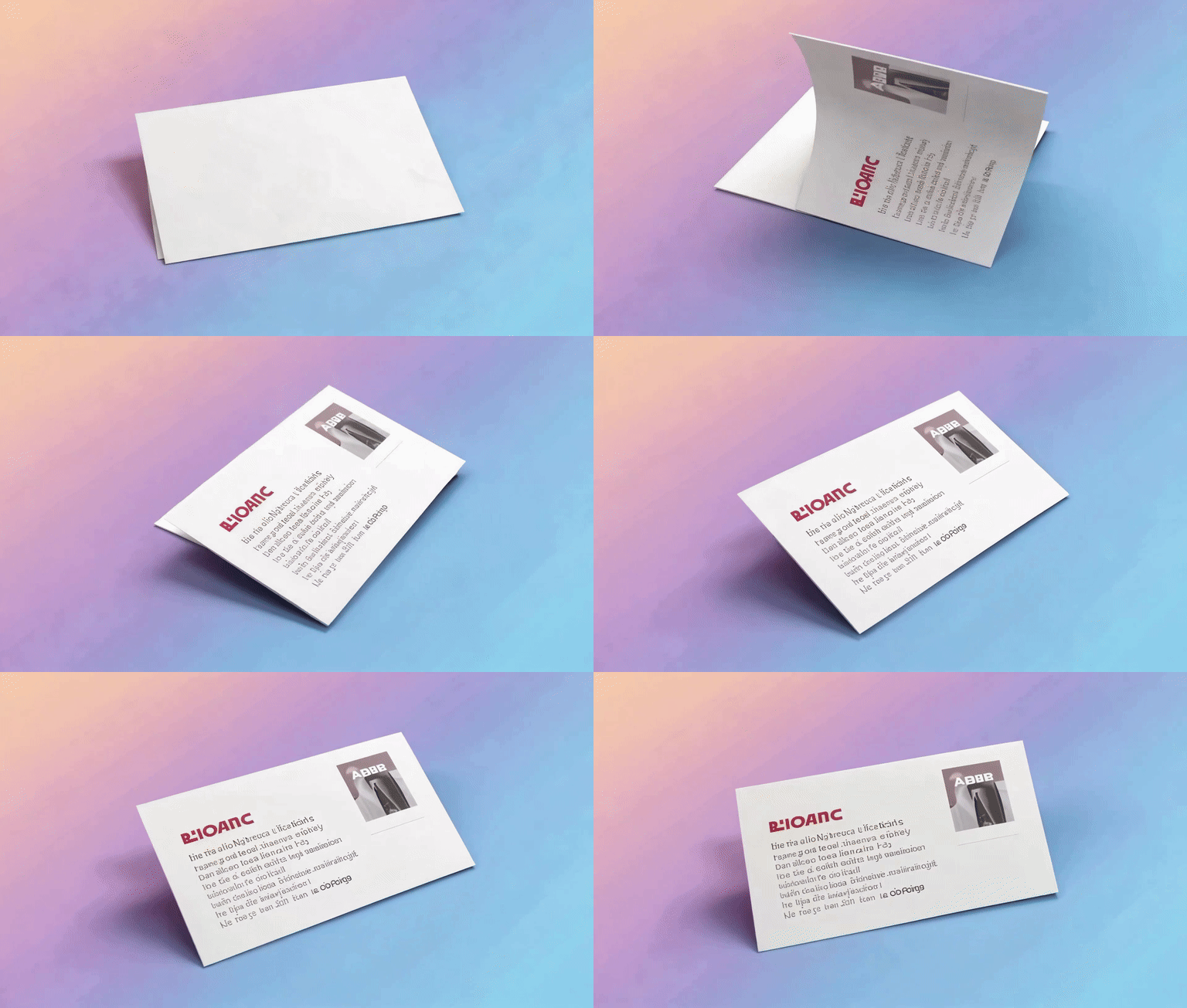
A smooth 3D card flip animation revealing content on the back side, with realistic perspective and soft shadow, clean white card on gradient background
cardtransition
Surprised Reaction Face

Surprised Reaction Face

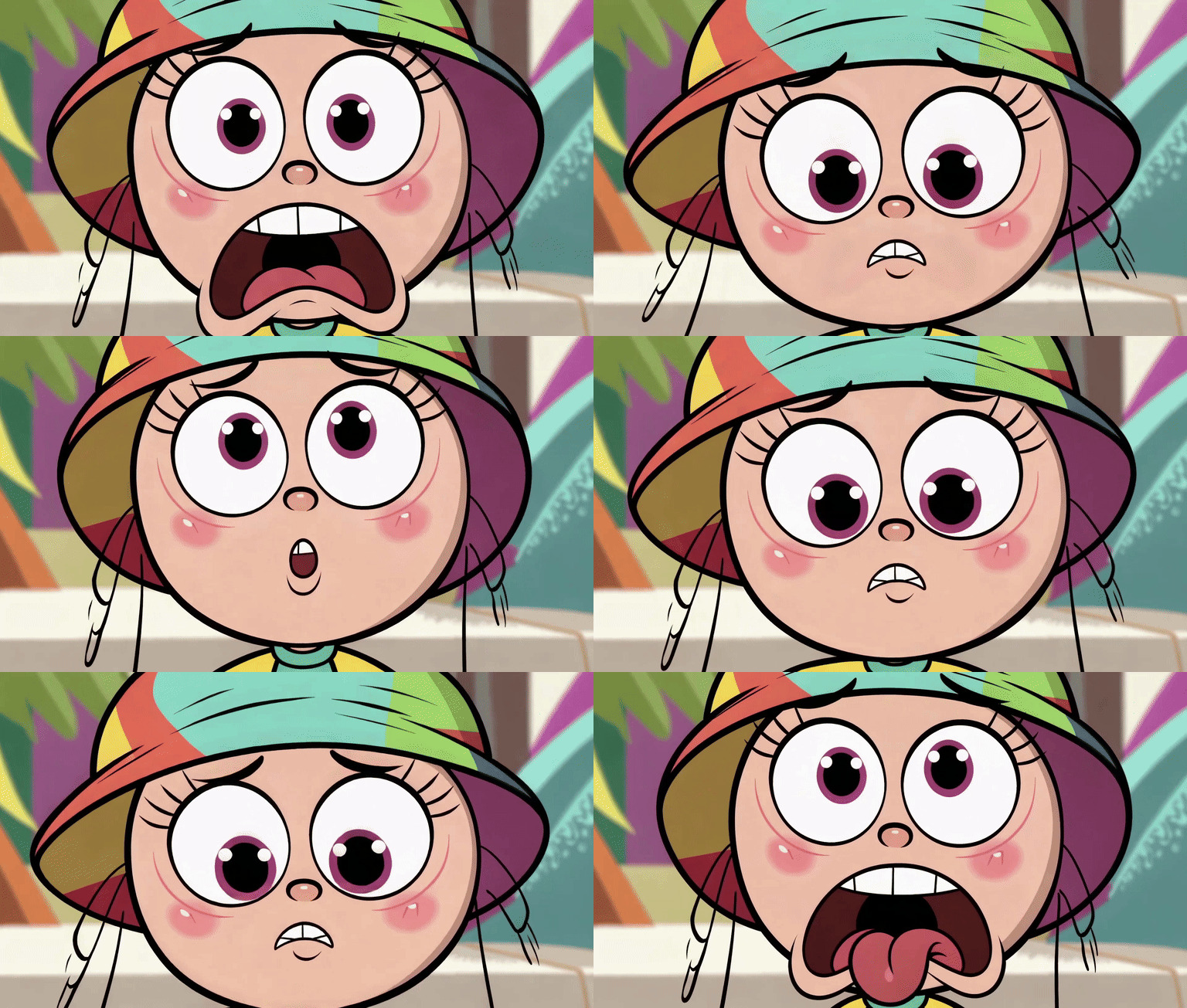
A cartoon character with exaggerated surprised expression, eyes widening and jaw dropping, colorful comic style perfect for social media reactions

reactionmeme
Animated Thumbs Up

Animated Thumbs Up

A cheerful animated thumbs up gesture with sparkle effects and confetti burst, bright yellow and gold tones, looping celebration animation

emojicelebration

Text to GIF AI is one of the fastest ways to turn written ideas into animated GIFs. Instead of editing frames manually, you simply type a prompt and let AI generate a ready-to-use GIF in seconds. Whether you are creating reaction GIFs, meme content, product motion assets, or lightweight social visuals, text to GIF makes animation far more accessible.

Use text to GIF for social media reactions, meme creation, animated headlines, product feature loops, UI demos, loading indicators, and branded motion content. It is especially useful for creators, marketers, indie developers, and teams who need visual assets quickly without opening traditional animation software.

For stronger text-to-GIF results, describe the subject, motion, and style clearly. Prompts like 'animated loading spinner with neon blue glow' or 'funny cat reaction GIF in cartoon style' usually perform better than vague descriptions. If needed, refine the wording and generate multiple versions to compare styles and motion quality.

Related AI GIF Tools

Frequently Asked Questions — AI GIF Generator

Getting Started

Simply enter a prompt describing what you want to see, including subject, motion, and style. Example: "A smooth neon loading spinner rotating slowly" Click generate and your GIF will be ready in seconds.

No. The AI handles everything for you. You only need to describe your idea in plain language — no design tools, no frame-by-frame editing, no technical skills required.

Most GIFs are generated within a few seconds on the Free tier. Standard and Pro tiers may take slightly longer for higher-quality, longer animations — typically under a minute.

You can create a wide range of GIFs: • UI animations (loading spinners, button effects, transitions) • Social media GIFs (reactions, memes, stickers) • Product showcases (rotating products, unboxing loops) • Cinematic scenes (rain, sunset, space nebula) • Anime-style animations (characters, magic effects)

Capabilities

Free tier provides preview-quality GIFs — great for testing ideas quickly. Standard and Pro tiers offer: • Higher resolution output • Smoother motion and frame rates • Better visual consistency and detail • Longer animation duration

Yes. You can control: • Style (cinematic, anime, product, social, and more) • Motion type and direction • Duration (4s or 6s on Standard, up to 10s on Pro) • Aspect ratio (16:9, 9:16, 1:1, and more) More advanced controls like GIF conversion settings are available in higher tiers.

Yes, but only with a paid plan. Free tier GIFs are for personal use and testing. Pro plan includes full commercial usage rights for marketing, advertising, and product content.

AI generation depends on how specific your prompt is. Better prompts include: • Clear subject (what is in the scene) • Defined motion (how it moves) • Style description (cinematic, anime, minimal, etc.) Example: Instead of "a spinner" → "A smooth neon loading spinner rotating in a loop on a dark background"

Choose the 9:16 aspect ratio for vertical social content, or 1:1 for square posts. Use the Social style preset for meme-friendly, vibrant animations. Describe your reaction, emotion, or scene clearly in the prompt. Popular social GIF types: reaction faces, dancing characters, celebration effects, and trending meme formats.

Pricing & Upgrade

Yes, you can generate GIFs for free with daily limits. Free tier includes: • Short duration GIFs • Basic quality output • Limited daily generations No credit card required to start.

You have three options: • Wait for the next day (free generations reset daily) • Continue generating using credits • Upgrade your plan for unlimited access and better quality

Free: Limited daily usage, lower quality, basic features — perfect for trying out the tool. Standard: Better quality, longer duration (4–6s), style presets, faster generation — ideal for regular creators. Pro: Highest quality, advanced controls, longest duration (up to 10s), commercial rights — built for professionals and businesses.

Yes. You can purchase credits and use them anytime without a monthly subscription. Credits never expire and work across all generation tiers.