Animate Any Image into Video
Create AI GIFs and videos with supported providers, clear output specifications, and costs shown before generation.
- Any JPEG / PNG / WebP — just upload and go
- Cinematic, Social, Product, Anime — 4 motion styles
- Free: 2s · 480p · watermarked · sign-in required
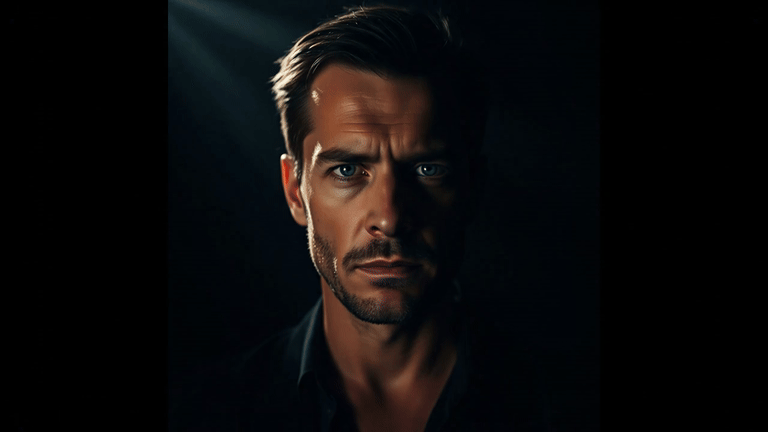
Turn a still image into a polished video
Upload a product photo, portrait, logo, or illustration, then describe the motion and camera movement you want.
Creating product-page or ad creative?
Use the focused product-image workflow with showcase, social-ad, and brand-reveal presets.
Recent videos
Play, download, or reuse recent tasks from this tool.
Community Creations
Made by the community · Click any GIF to try the prompt
Keep source images in video, or move into pricing
Once someone uploads a source image, they have already done the hard part. The next step should stay in video creation or move into pricing when they want more volume, cleaner output, or repeat usage. GIF stays the lighter entry path elsewhere on the site.
Keep this result organized for remixing, reuse, and follow-up work.
View your projectsCreate AI GIFs and videos with supported providers, clear output specifications, and costs shown before generation.
Use image to video for product demos, social media content, marketing campaigns, and visual storytelling. Perfect for e-commerce, creators, and advertisers.
Use high-resolution images with clear subjects. Images with strong depth produce better image to video results. Avoid blurry or compressed images.
Related AI Tools
Image to Video FAQ
FAQ
We support JPG, PNG, and WebP formats. For best results, use images with a resolution of at least 512 by 512 pixels.
The AI analyzes your image and generates intermediate frames with motion and camera effects to produce a smooth video.
Currently the AI automatically generates motion based on the image. Custom motion controls will be available in future updates.
After signing in, GIF and Video share 1 free watermarked AI generation per day. New accounts receive no gifted Credits.
Generation usually takes about 1-5 minutes. Actual time varies with the selected model, queue, duration, resolution, and provider availability.
Free preview is fixed at 2 seconds and 480p. Standard and Pro support 4, 6, or 8 seconds and 720p or 1080p with compatible settings; Custom supports 4-15 seconds and 1080p or 4K. Final specifications and cost are shown before generation.
Usage rights depend on your input rights, applicable law, your plan, and the relevant model provider terms. Purchased Credits and subscriptions change watermark and workflow benefits, not ownership guarantees. See the Terms of Service.
No. The AI handles the animation automatically. You only need to upload an image and optionally describe the motion.